A research question template for Notion that shows what to fix next
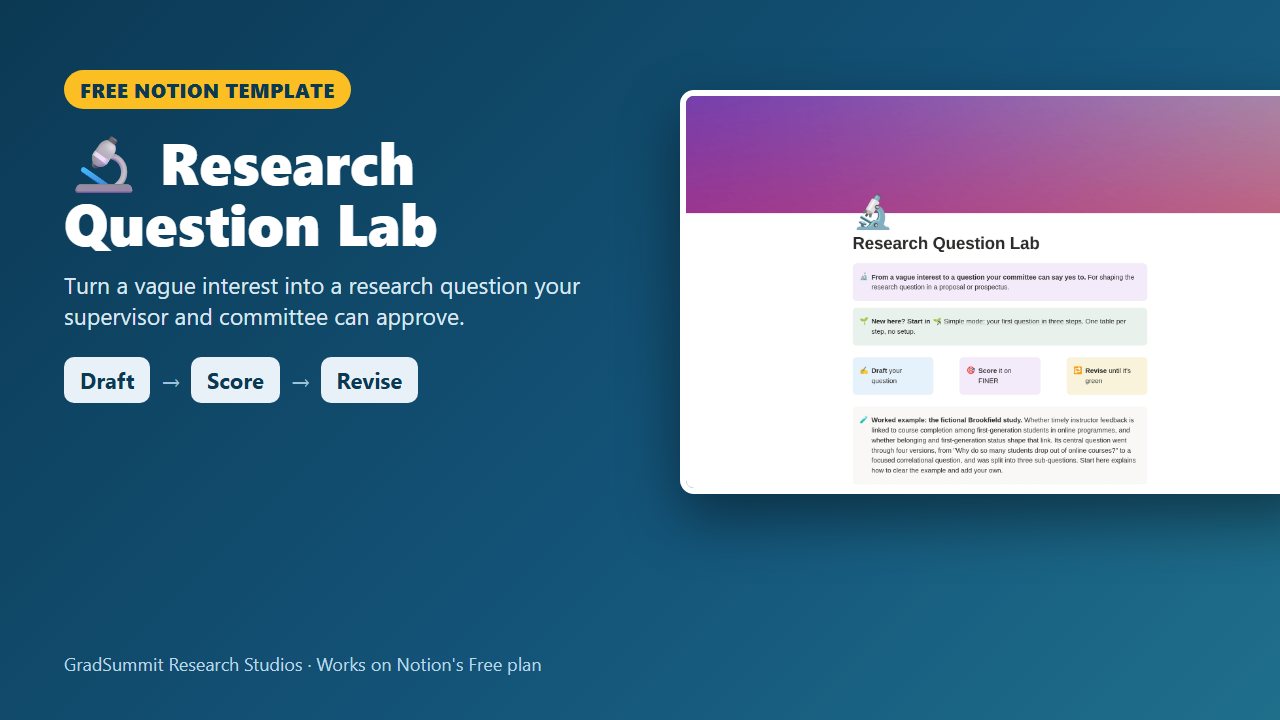
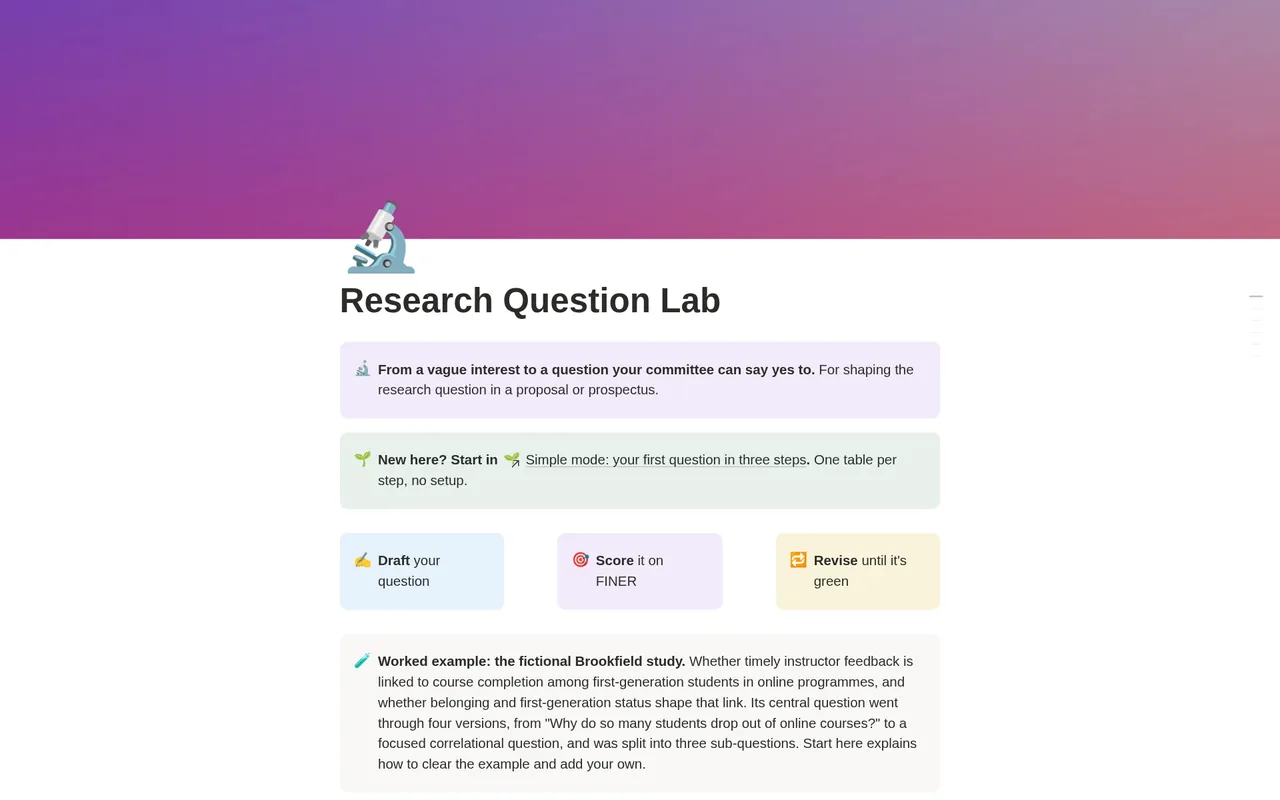
Write your question in one sentence, score it on FINER and five wording checks, see which part is weakest and which design it implies, and revise it with every version and reason on record.
For master's and doctoral students and professionals returning to study, in the months before a proposal, prospectus or confirmation review, in any empirical discipline.
- Draft → Score → Revise
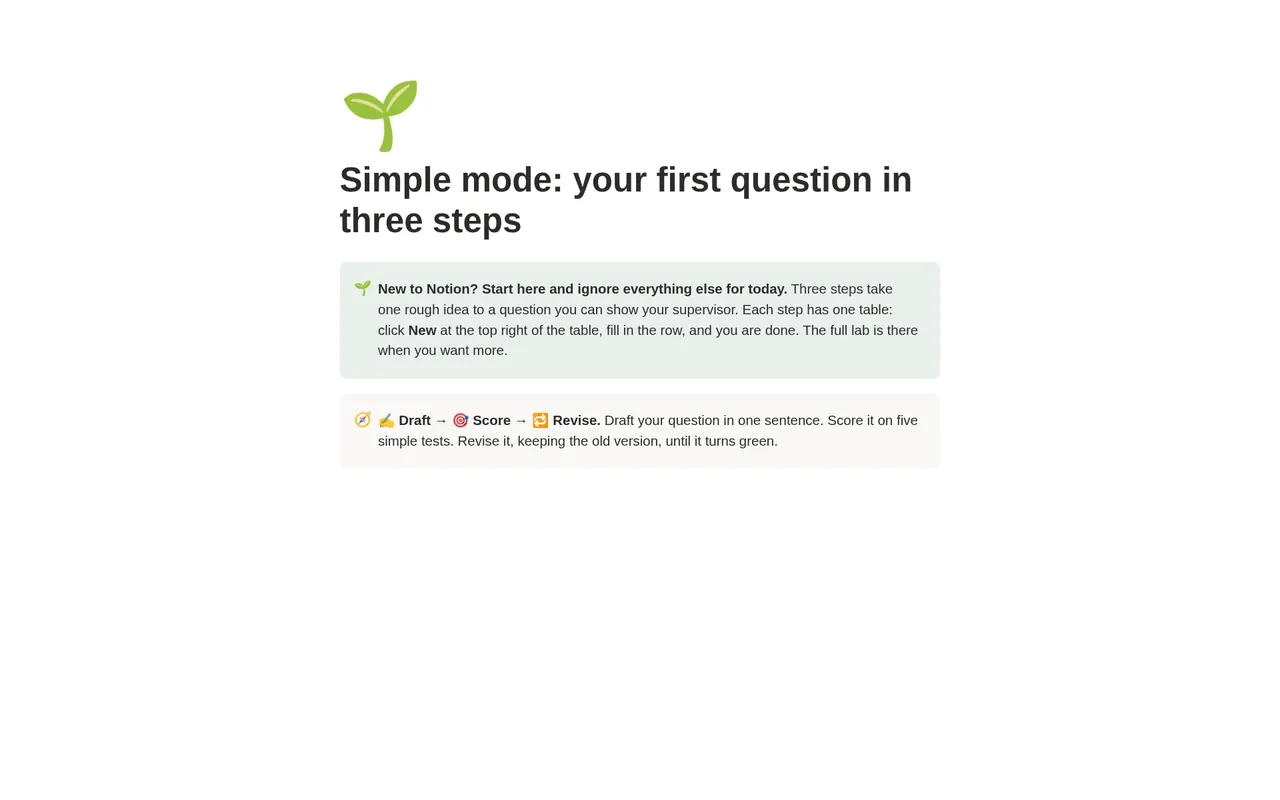
- Simple mode
- Works on Notion's Free plan
- Worked example
Free
Free on Gumroad: enter your email and get a one-page PDF with your link to duplicate the studio. On the Notion Marketplace soon.
See inside the Research Question Lab
The problem it solves
"Your question is too broad." "What exactly are you asking?" "Is this even answerable?" Most students hear one of these before their proposal is approved, and most respond by rewriting the question.
The trouble is that a research question can fail in several ways at once. It can be too big to finish, too familiar to be worth asking, or worded so it can be answered with yes or no. A total score hides which of these is the problem: a question can look strong overall and still be one weak criterion away from rejection.
Then there is the design: a causal "why" question paired with an observational design is a mismatch a committee notices quickly.
And there is the history. When a committee asks why the question changed, "my supervisor suggested it" is weaker than a dated record of what changed, why, and whether it helped. This lab keeps that record as you go.
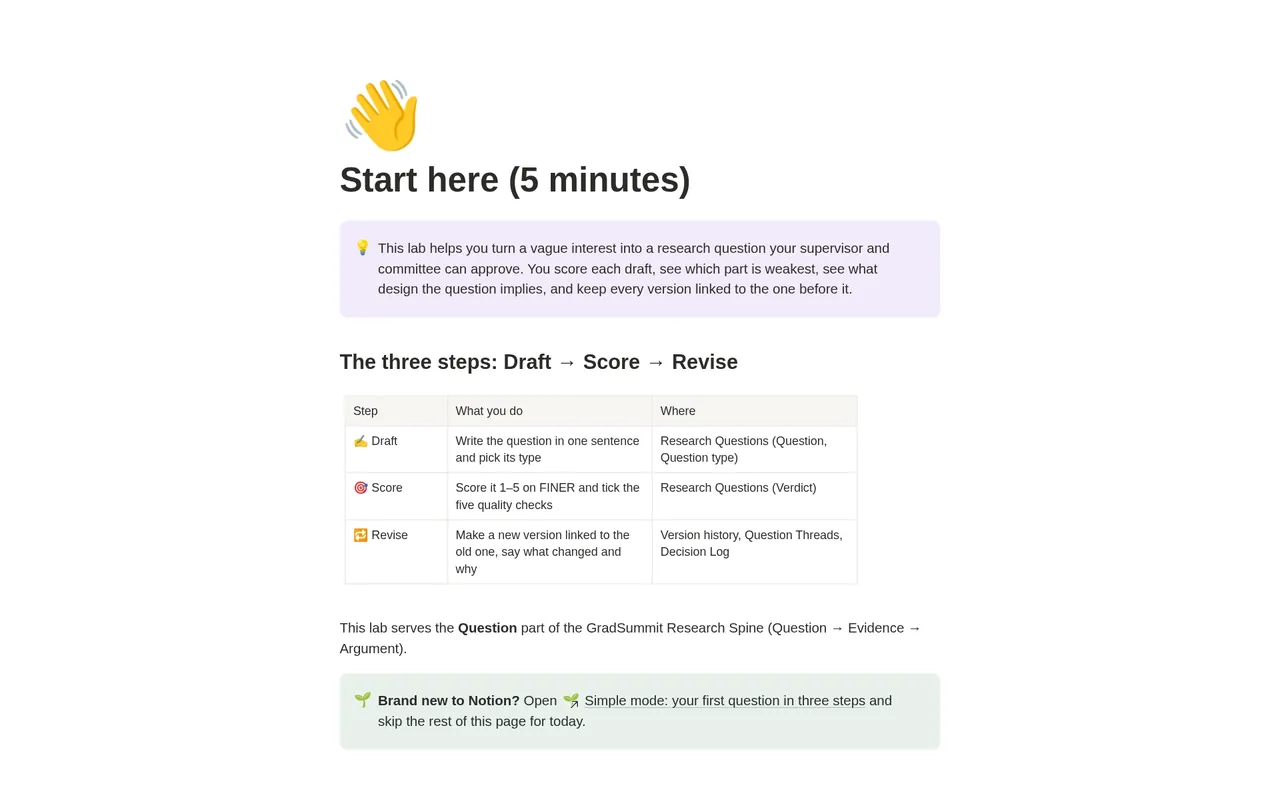
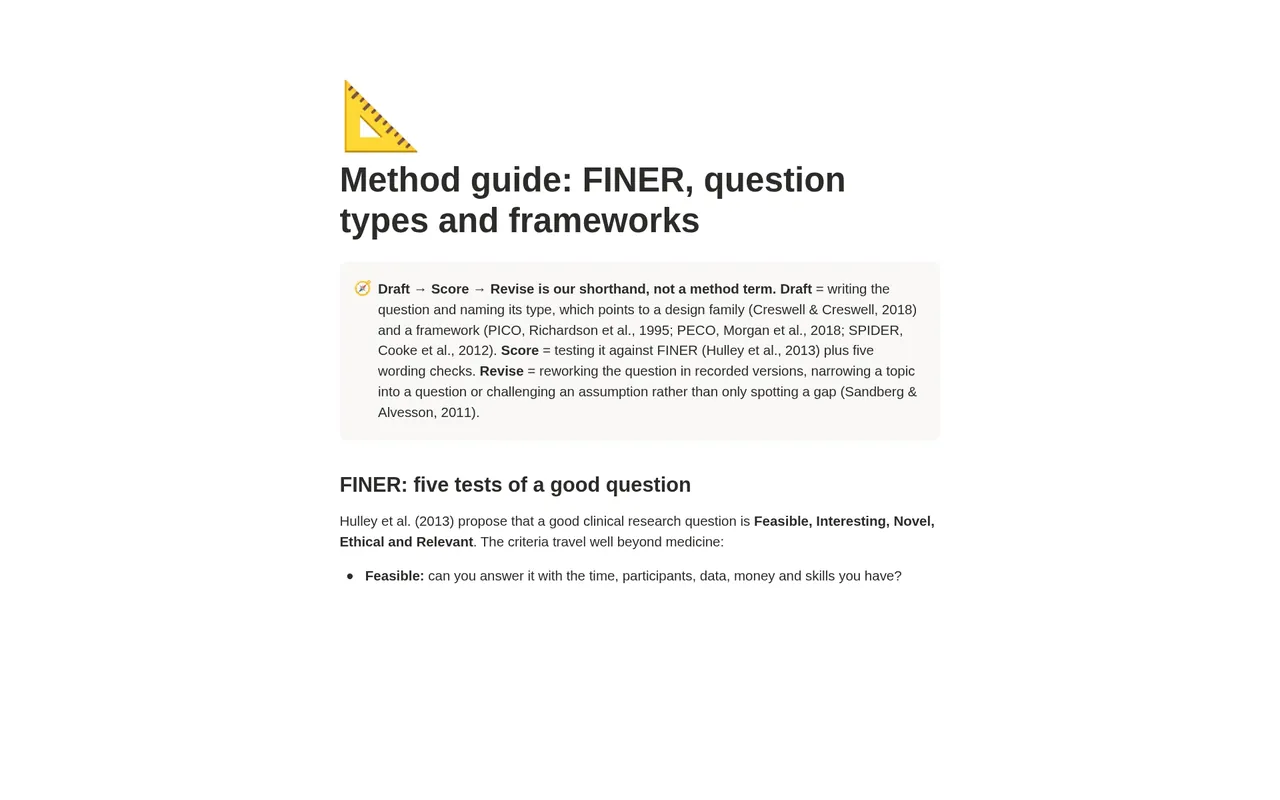
How it works: Draft → Score → Revise
Draft
Write the question in one sentence and pick its type: descriptive, correlational, comparative, causal, mediation, moderation, exploratory or mixed. The lab suggests the design family and the framework it fits, and lists the components to fill in.
Score
Rate it 1 to 5 on each FINER criterion, Feasible, Interesting, Novel, Ethical and Relevant, and tick five wording checks. The Verdict says in plain words what to fix first.
Revise
Make a new version linked to the old one, write what changed and why, and mark the old one superseded. You can see whether each revision raised the score.
What the studio checks for you
Each draft, and each question as it evolves, carries a plain-language status worked out by formulas from what you enter. These are the labels you will see.
Verdict, per draft
- ⚪ Not scored: at least one FINER score is blank.
- 🔴 Fix Feasible (or Novel, and so on): a criterion scores 2 or below. The Verdict names the first weak letter, because no total can make up for it.
- 🟡 Revise: no criterion is weak, but the total is below 20 or a wording check is not ticked.
- 🟢 Ready for supervisor: a FINER total of at least 20 out of 25 and all five wording checks ticked.
Design checks, per draft
- ✅ Complete / ⚠️ 1 missing: the Framework check counts the framework components still empty for this question type, such as a comparison for a causal question.
- ⚠️ Yes/no stem: rephrase as To what extent… or How…: the question opens with a word such as Is, Does or Can, so it may be answerable in a word.
Thread check, per question
- ✅ One current version: the question has exactly one version marked current.
- ⚠️ No current version / ⚠️ More than one current: the version history needs tidying before you take the question to your supervisor.
The 1 to 5 scale and the thresholds (a total of 20, no score of 2 or below) are GradSummit's teaching rule, not part of Hulley et al. (2013), and the method guide says so. The scores make your judgement visible; your supervisor and committee still decide.
The worked example
Fictional study
The lab opens with the fictional Brookfield study: whether timely instructor feedback is linked to course completion among first-generation students in online programmes. It has 4 question threads, 8 question versions and 5 logged decisions. The central question starts as "Why do so many students drop out of online courses?" and goes through four versions, scoring 18, 19, 21 and 22 out of 25, with Verdicts of 🔴 Fix Feasible, 🔴 Fix Novel, 🟡 Revise and finally 🟢 Ready for supervisor. Three sub-questions sit beside it, one recast as a mediation question with its timing written into the wording. Clearing the example takes about two minutes.
Method and sources
FINER comes from Hulley et al. (2013). The question types and the designs they imply follow Creswell & Creswell (2018), and the frameworks are PICO (Richardson et al., 1995), PECO (Morgan et al., 2018) and SPIDER (Cooke et al., 2012). Revision draws on Sandberg & Alvesson (2011): narrowing a topic into a question, or challenging an assumption rather than only spotting a gap.
The method guide warns that a mediation question is a causal claim. It needs the cause, the mediator and the outcome measured in time order and a plan for confounders, because cross-sectional mediation estimates can be badly biased (Maxwell & Cole, 2007).
What the studio does not do
- It does not approve your question. Your supervisor and committee do; the lab records your reasoning for them.
- It does not write or suggest questions. You write every draft yourself.
- The scores are your own ratings. A 🟢 means the question meets the lab's rule as you scored it, not that it is a good question.
What you get
- A one-page PDF with your link, sent by Gumroad when you click Get it free and enter your email. Click it, then Duplicate, and the studio is in your own Notion workspace, yours to keep.
- Simple mode: three steps, one small table each, with a plain instruction above every table. You can start in Notion for the first time today.
- The full lab: current questions, a draft workbench, how each question evolved, a version history and a decision log with the alternatives you rejected.
- Visual guides, and export views that give clean CSV tables for your proposal appendix.
- A Start here page, a method guide with full references, and a worked fictional example you can clear in a few minutes.
- Works on Notion's Free plan. No charts, no paid features and no Notion AI needed.
Questions
Which framework should my question use: PICO, PECO or SPIDER?
It depends on the question type, and the lab suggests one as soon as you pick the type. Causal questions fit PICO, correlational and comparative questions fit PECO, exploratory qualitative questions fit SPIDER, and mixed questions may need PECO for one strand and SPIDER for the other. The method guide explains each framework, and your field or supervisor may prefer another.
Do I need a separate row for every rewrite?
Yes, for any change you would want to explain later. Make a new version, link it to the one before with Revised from, mark the old one superseded and write what changed and why.
Will I get updates?
The link in your PDF points to the published studio, so if it is updated you can duplicate the current version again. Your own copy never changes underneath you, which matters halfway through a proposal.
Is this the same as the free research question validator on GradSummit?
No. The validator is a quick online check of one question. The lab is a Notion workspace that keeps every draft, score, version and decision, so you can show how the question developed over months.
Does it work on Notion's Free plan?
Yes. The studio uses ordinary databases, relations, rollups and formulas. It needs no charts, no paid Notion features and no Notion AI, so the Free plan is enough.
Is it really free? How do I get it?
Yes. Click Get it free and Gumroad asks for your email address; the price is $0. You then get a one-page PDF with the link. Open the link, click Duplicate, and the studio is copied into your own Notion workspace. It is yours to keep. It is also with Notion for review and will appear on the Notion Marketplace soon.
What if the link does not work or something is wrong?
Email rafiq@gradsummit.com and we will fix it.
Related guides and templates
Other research studios
Research Question Lab
Draft → Score → Revise, with a worked example and a method guide. Free.
Research Question Lab by Rafiq Muhammad, MD, MIHMEP, PhD (GradSummit). The example study and all its data are fictional and created for teaching.
Notion is a trademark of Notion Labs, Inc. GradSummit is not affiliated with or endorsed by Notion.