A supervisor meeting template for Notion that closes every comment
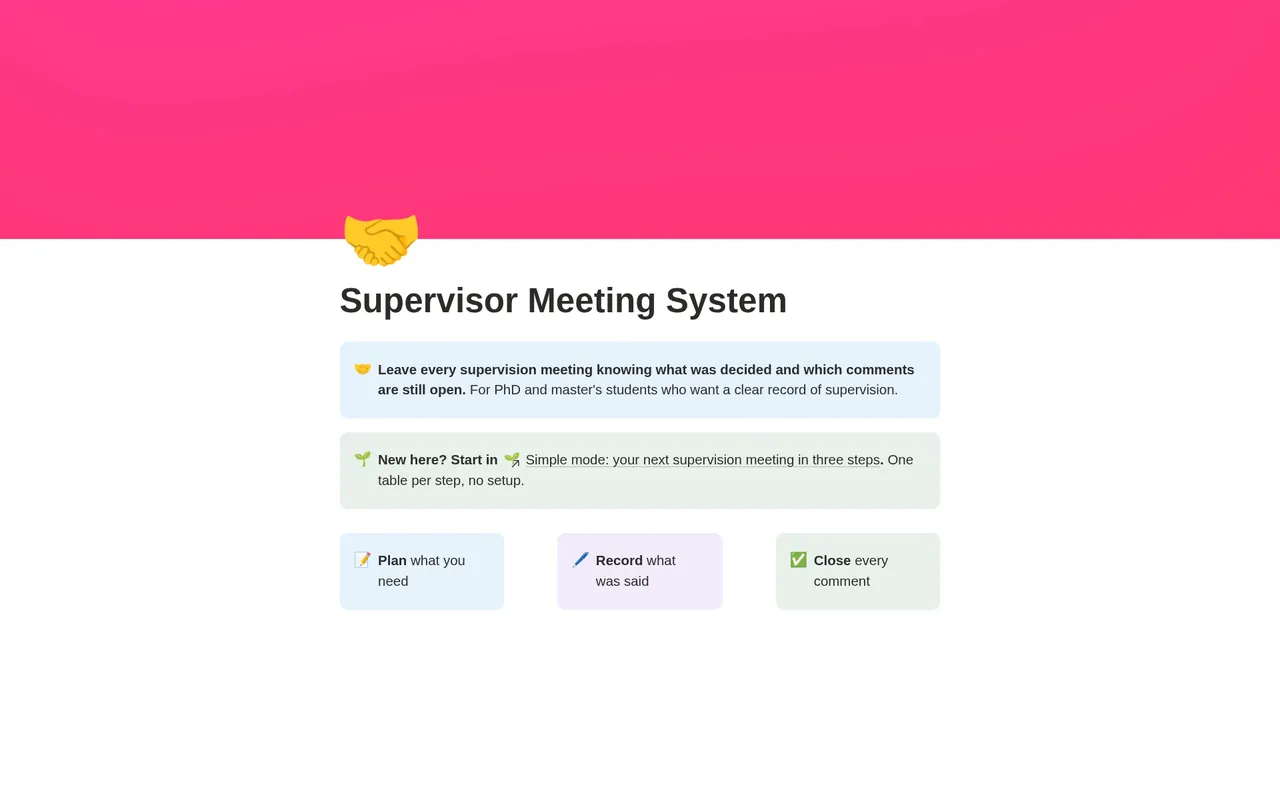
Plan what you need from each supervision meeting, record every comment, action and decision, and close each comment, either resolved or pushed back with a reason your supervisor has agreed.
For master's and doctoral students in the long middle of a thesis, meeting one or two supervisors every few weeks, from the approved proposal to the full draft.
- Plan → Record → Close
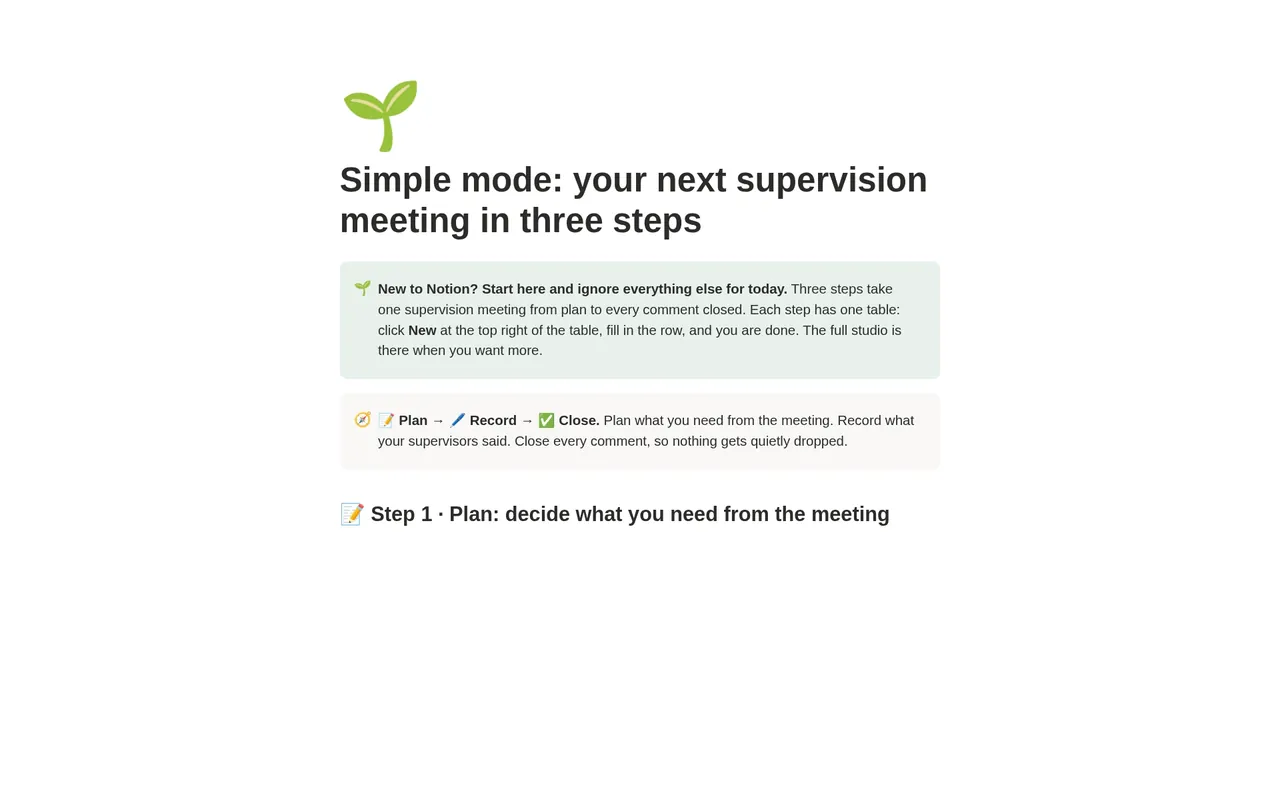
- Simple mode
- Works on Notion's Free plan
- Worked example
Free
Free on Gumroad: enter your email and get a one-page PDF with your link to duplicate the studio. On the Notion Marketplace soon.
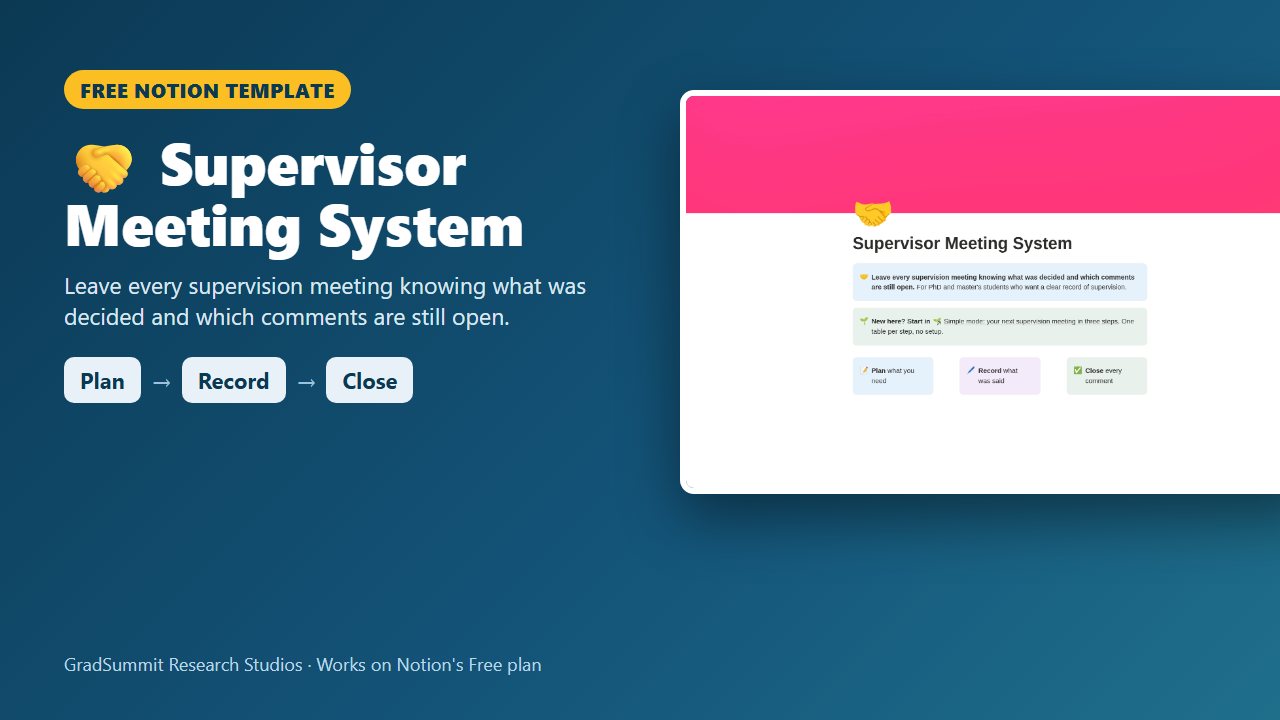
See inside the Supervisor Meeting System
The problem it solves
Supervision meetings move fast. You walk in with three questions, talk for an hour, and walk out unsure what was actually agreed.
With two supervisors it gets harder: decisions get argued again, and "I thought you said" turns up months later, sometimes in the viva.
The hardest part is disagreement. Many students are uneasy about pushing back on a comment, so they quietly do not act on it. Research on feedback literacy treats making judgements about feedback and acting on it as skills to learn, not as defiance (Carless & Boud, 2018; Winstone et al., 2017). Pushing back openly, with a reason, is part of the job.
This system keeps the student's record of supervision in one place: what you asked, what was decided, who owes what, and where every supervisor comment stands.
How it works: Plan → Record → Close
Plan
Before the meeting, write the three things you need from it and tick Agenda sent once your supervisors have it. The Next meeting view shows it with every open comment and action, so you know what to report on.
Record
After the meeting, log each supervisor comment in your own words, linked to the meeting and the chapter it is about, with its weight and a date to respond by. Log the actions agreed, for you and for your supervisors, and any decisions with their reasons.
Close
Resolve each comment and write what you changed, or push back with a reason and keep it open until your supervisor agrees to differ. Nothing is quietly dropped.
What the studio checks for you
Every comment, chapter and meeting carries a plain-language status worked out by formulas from what you enter. These are the main labels.
Triage state, per comment
- 🆕 Not triaged: set Status to Accepted or Pushed back: a new comment you have not decided on yet.
- 🟡 Open: make the change, then set Resolved: you accepted it and are working on it.
- 🔴 Overdue: respond or agree a new date: it is still open after its respond-by date.
- ⚠️ Give a reason in Response: you pushed back but did not say why.
- ↩️ Awaiting agreement: raise it at the next meeting: you gave a reason, but your supervisor has not agreed yet, so it stays open.
- ✅ Resolved / ✅ Agreed to differ: the comment is closed, one way or the other.
Feedback load, per chapter
- ⚪ No feedback yet: no comments on this chapter.
- 🟡 Some open: open comments carry fewer than 5 weight points.
- 🔴 Heavy: 5 or more open weight points, counting a major comment as 3, a moderate one as 2 and a minor one as 1.
- ✅ Clear: every comment on the chapter is closed.
Outcome check, per meeting
- 📝 Agenda not sent / ✅ Agenda sent: for a planned meeting.
- ⚠️ No outcomes recorded: a held meeting with no decisions and no actions logged.
- ✅ Outcomes recorded: a held meeting with at least one decision or action.
The weights, the 5-point threshold for a heavy chapter and the advice to write up a meeting within 24 hours are GradSummit conventions, labelled as such in the system; adjust them to suit you. Overdue flags depend on today's date. Supervision arrangements vary, so always follow your institution's regulations.
The worked example
Fictional study
The system comes with a fictional worked example: the Glenwood Trial thesis, a two-arm randomised trial of a mindfulness app against a waitlist in graduate students, with anxiety measured at 8 weeks. It has 5 meetings, 12 supervisor comments, 10 actions and 5 decisions across six chapters. One comment was pushed back and agreed to differ, one is awaiting agreement, and one was pushed back with no reason, so it is flagged. The Results chapter shows 🔴 Heavy, the Conclusion ⚪ No feedback yet, and a corridor check-in with nothing written down shows ⚠️ No outcomes recorded. Clearing the example takes about two minutes.
Method and sources
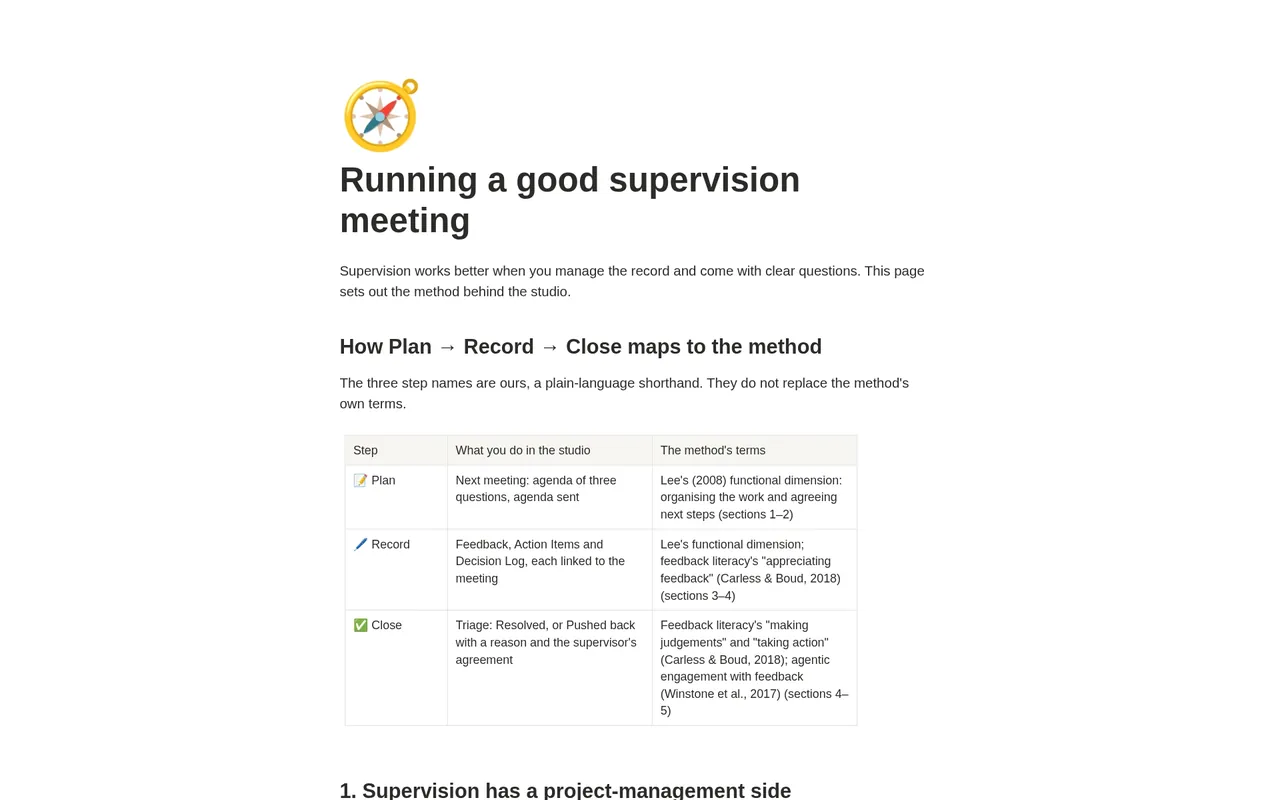
The method page draws on research on doctoral supervision and feedback. Lee (2008) describes five dimensions of supervision: functional, enculturation, critical thinking, emancipation and relationship development. Plan and Record sit mainly in the functional dimension: organising the work and agreeing next steps.
Close draws on feedback literacy: appreciating feedback, making judgements about it and taking action (Carless & Boud, 2018), and on students' active engagement with feedback (Winstone et al., 2017). Plan, Record and Close are the system's own shorthand, and the method page maps them to these terms.
What the studio does not do
- It is the student's own record. It does not replace your institution's official supervision forms or progress reports.
- It does not judge whether a comment is right, or whether pushing back is wise. It makes sure each comment ends somewhere on the record.
- Keep anything confidential or identifiable about other people out of a workspace you share.
What you get
- A one-page PDF with your link, sent by Gumroad when you click Get it free and enter your email. Click it, then Duplicate, and the studio is in your own Notion workspace, yours to keep.
- Simple mode: three steps, one small table each, with a plain instruction above every table. You can start in Notion for the first time today.
- Next meeting, open feedback with overdue first, open actions by owner (supervisors have actions too), feedback load by chapter, a meeting log and a decision log with the alternatives considered.
- Visual guides, and export views that turn the feedback register, action log and decision log into clean CSV files.
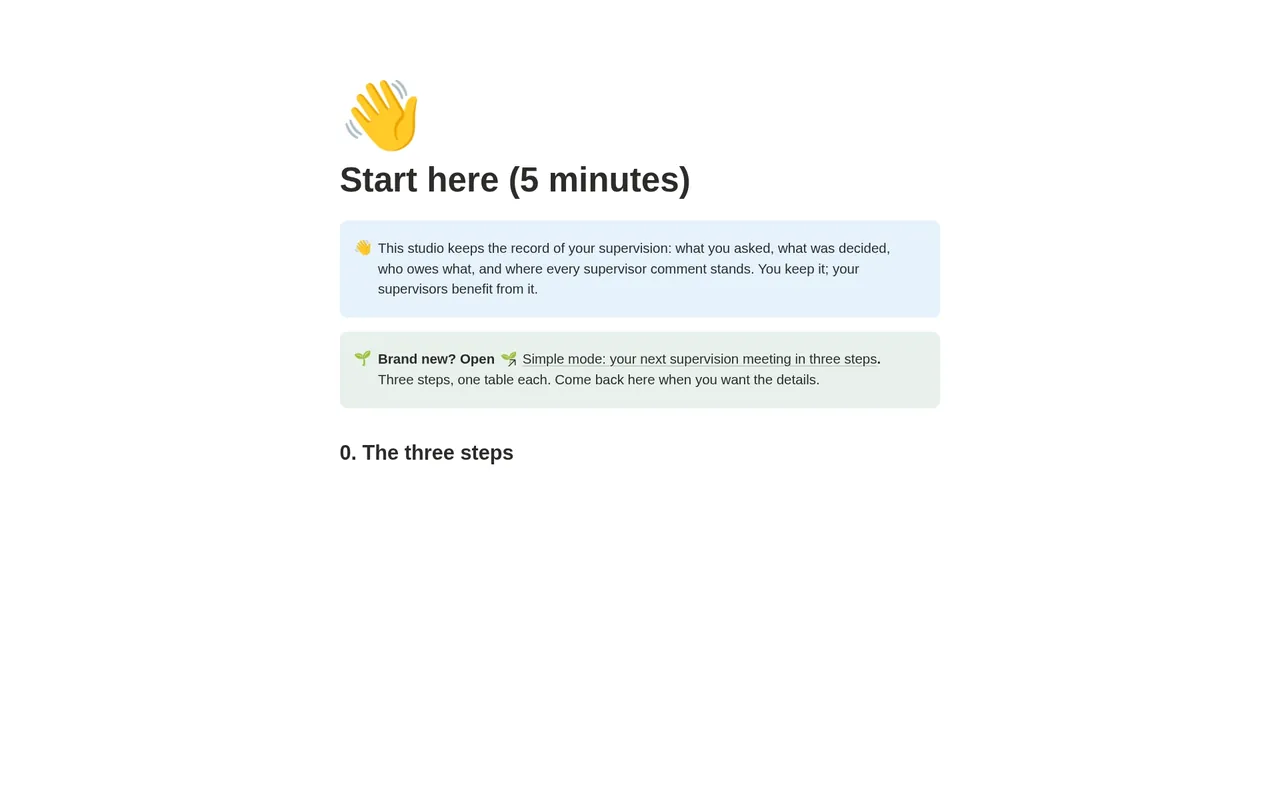
- A Start here page, a method guide with full references, and a worked fictional example you can clear in a few minutes.
- Works on Notion's Free plan. No charts, no paid features and no Notion AI needed.
Questions
What if I disagree with my supervisor's comment?
Set the comment to Pushed back and write your reason in Response. It stays open, flagged as awaiting agreement, until your supervisor agrees to differ; then you tick Supervisor agreed and it closes. If you push back with no reason, it is flagged so you write one. That way a disagreement is discussed openly instead of quietly dropped.
Should I share it with my supervisors?
That is up to you. It is built as the student's record, and you can simply bring the Next meeting view, or a copy of the agenda, to each meeting.
Will I get updates?
The link in your PDF points to the published studio, so if it is updated you can duplicate the current version again. Your own copy never changes underneath you, which matters halfway through a thesis.
How is it different from the supervisor meeting brief generator on GradSummit?
The brief generator is a quick online tool that drafts the brief for one meeting. This system is a Notion workspace that keeps every meeting, comment, action and decision linked over the whole thesis.
Does it work on Notion's Free plan?
Yes. The studio uses ordinary databases, relations, rollups and formulas. It needs no charts, no paid Notion features and no Notion AI, so the Free plan is enough.
Is it really free? How do I get it?
Yes. Click Get it free and Gumroad asks for your email address; the price is $0. You then get a one-page PDF with the link. Open the link, click Duplicate, and the studio is copied into your own Notion workspace. It is yours to keep. It is also with Notion for review and will appear on the Notion Marketplace soon.
What if the link does not work or something is wrong?
Email rafiq@gradsummit.com and we will fix it.
Related guides and templates
Other research studios
Supervisor Meeting System
Plan → Record → Close, with a worked example and a method guide. Free.
Supervisor Meeting System by Rafiq Muhammad, MD, MIHMEP, PhD (GradSummit). The example study and all its data are fictional and created for teaching.
Notion is a trademark of Notion Labs, Inc. GradSummit is not affiliated with or endorsed by Notion.