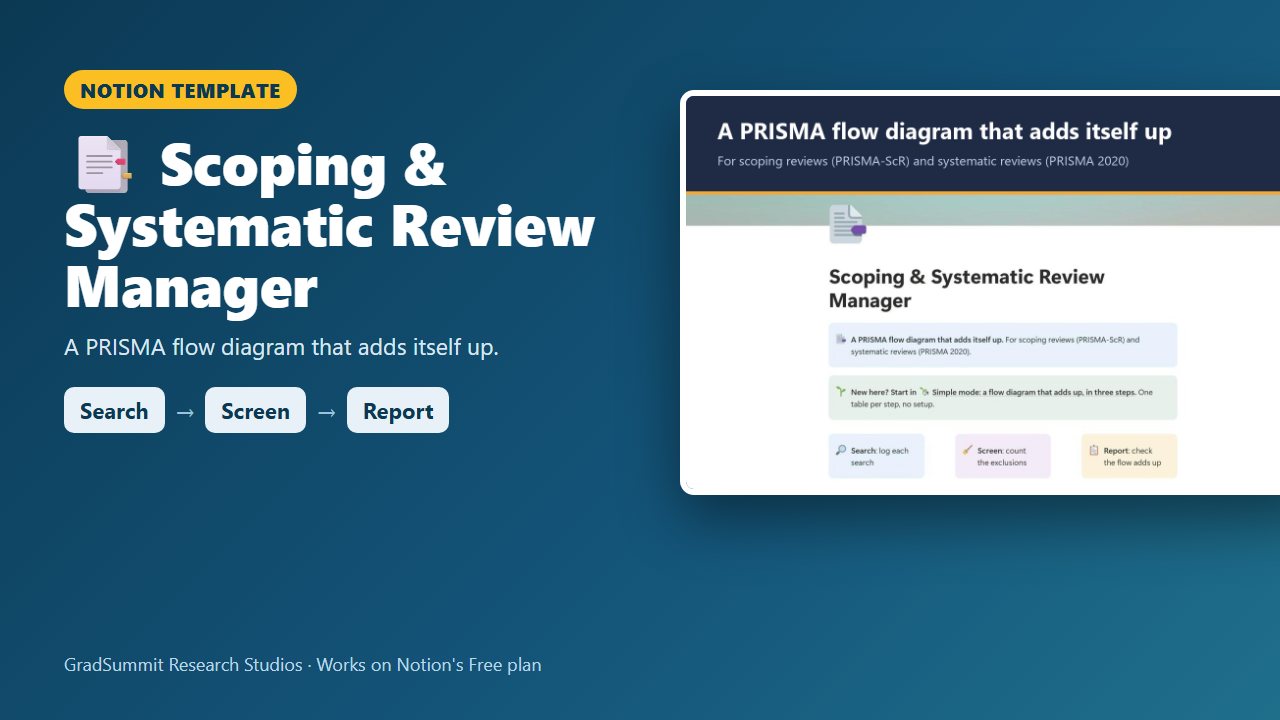
A systematic review template for Notion with a PRISMA flow that adds itself up
Log every search, record why each full text was excluded, type the totals from your screening tool, and see whether every box of your PRISMA flow adds up before an examiner or journal reviewer checks.
For master's and doctoral students and early-career researchers running a scoping review or a systematic review, usually with Rayyan, Covidence or a spreadsheet doing the screening.
- Search → Screen → Report
- Simple mode
- Works on Notion's Free plan
- Worked example
$15
One-time price. Checkout on Gumroad; an instant PDF with your link to duplicate the studio.
See inside the Scoping & Systematic Review Manager
The problem it solves
"My PRISMA numbers don't add up" is one of the most common panics in a review chapter. You are seven records out, the exclusion reasons do not sum to the number you excluded, and you cannot say where the missing records went.
Part of the trouble is that a flow diagram has three different units. PRISMA 2020 counts records up to screening, reports from retrieval onwards, and studies at the end, because one study can have several reports (Page et al., 2021).
The rest is scattered evidence: a search history buried in old emails, and reviewer conflicts nobody counted. A scoping review lets you refine your criteria as you go, but only if you record each change and why.
This studio is the control layer around your screening tool: it holds the numbers, the search log, the reasons and the decisions, and checks that they reconcile.
How it works: Search → Screen → Report
Search
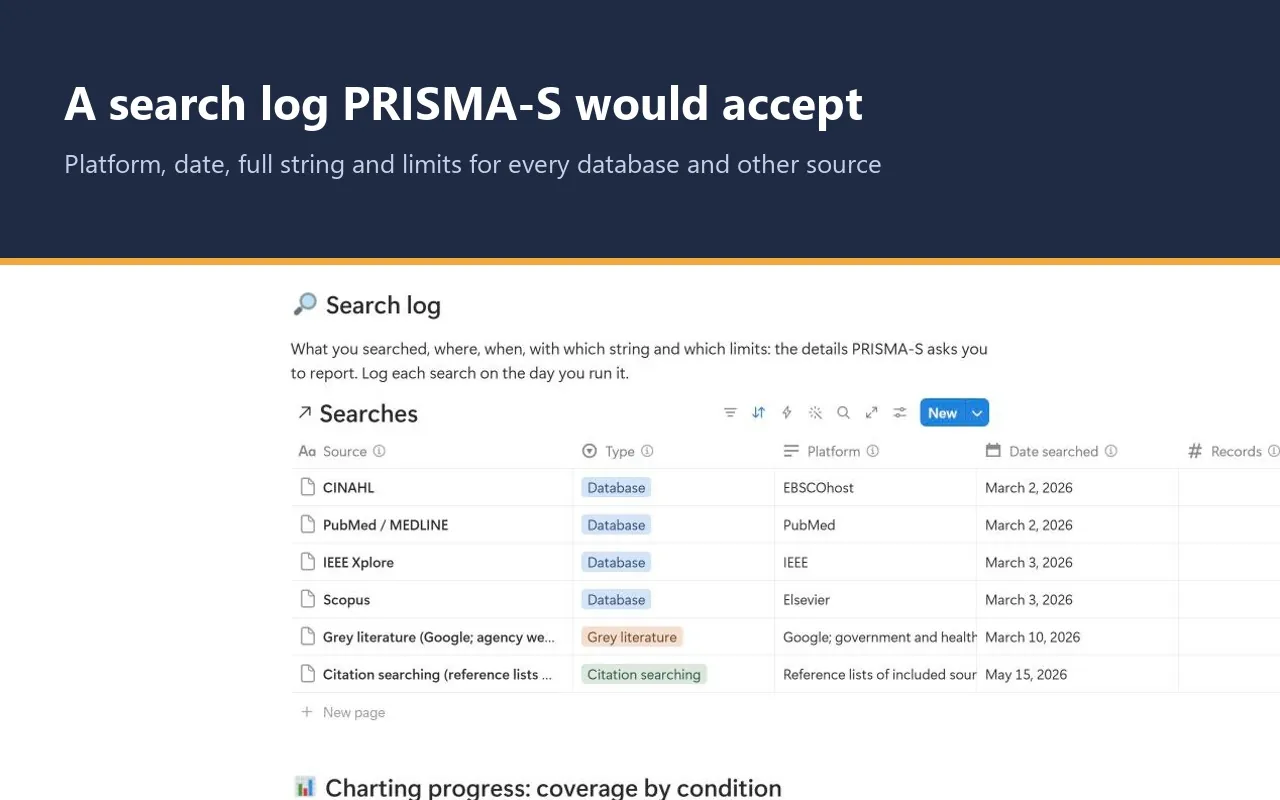
Log each database and other source on the day you search it: platform, date, full string, limits and records found. Trial registers count with the databases, as PRISMA 2020 asks.
Screen
Screen in Rayyan, Covidence or a spreadsheet. Then record each full-text exclusion reason with its count and a one-line definition that both reviewers apply the same way.
Report
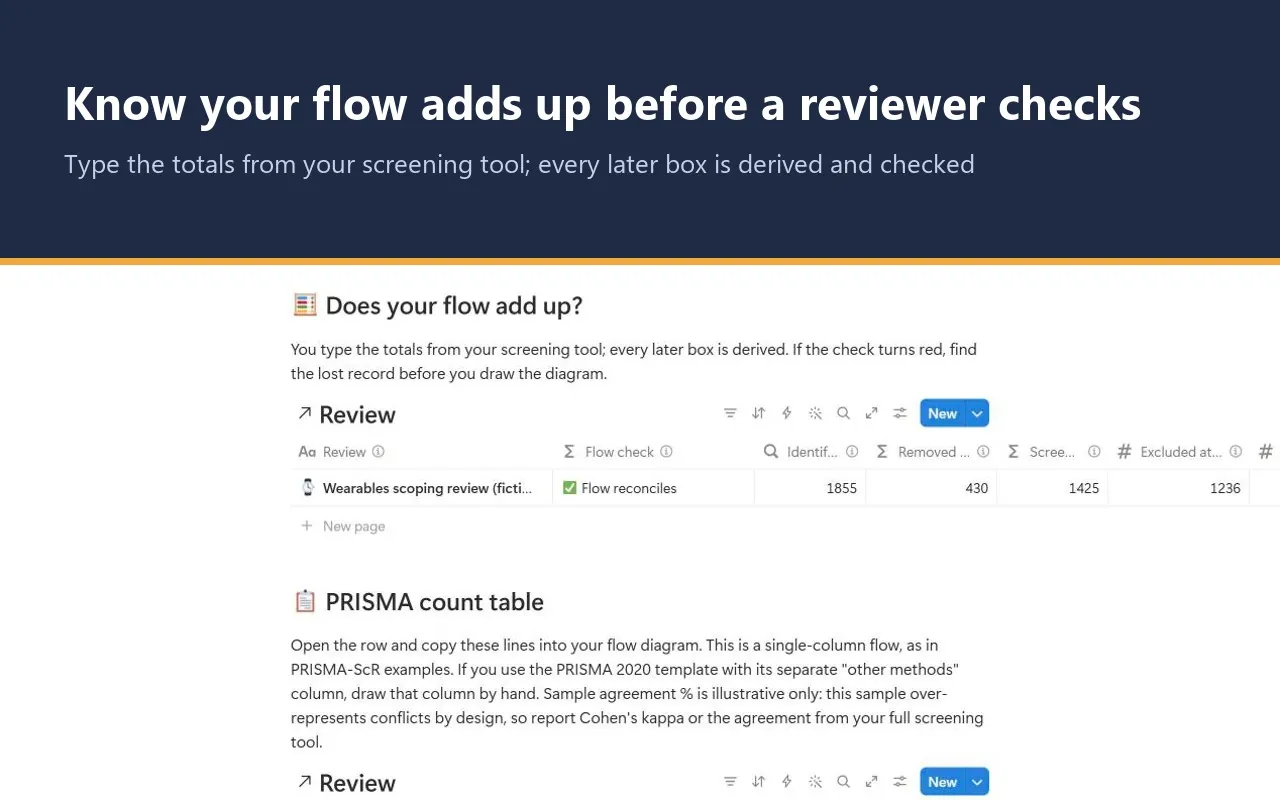
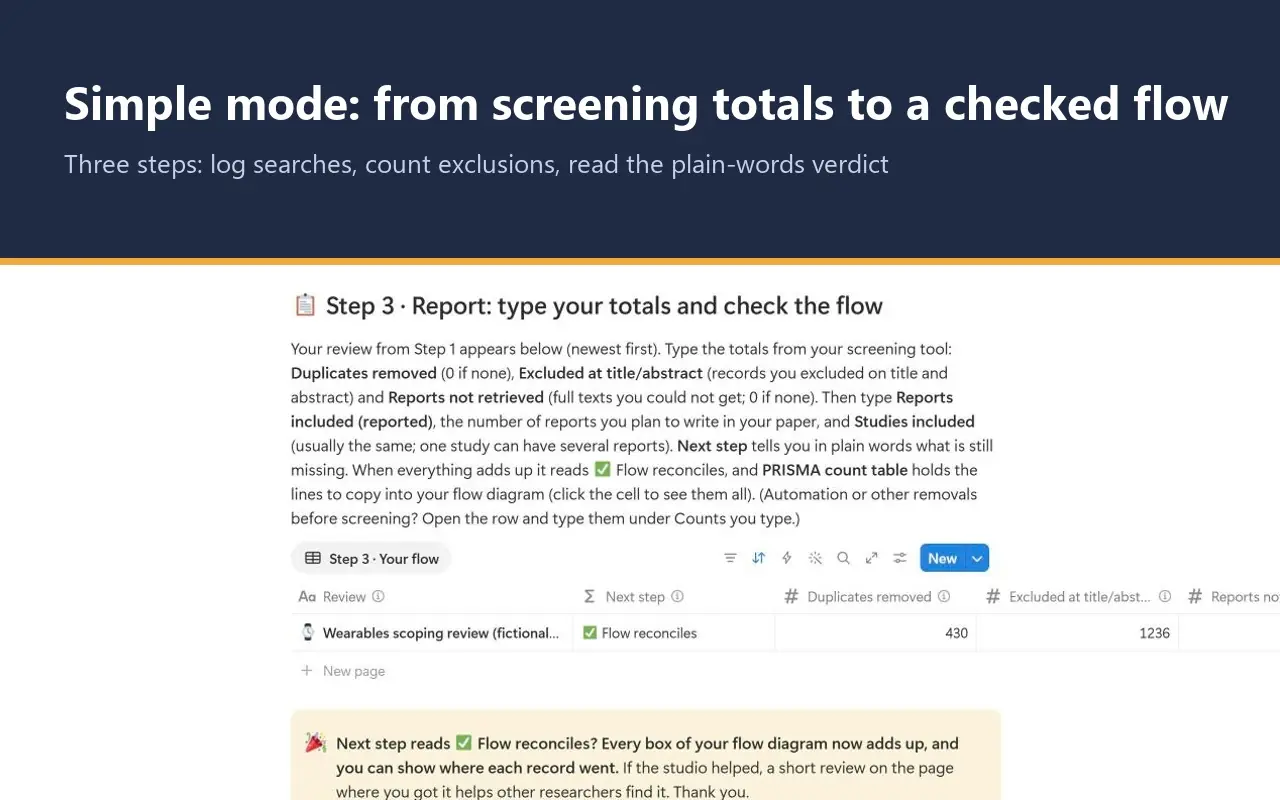
Type the totals from your screening tool. Every later box is worked out for you, a Next step names what is still missing, and the PRISMA count table gives you the lines to copy into your flow diagram.
What the studio checks for you
Your review and every sampled record carry a plain-language status worked out from what you enter. These are the main labels.
Next step and Flow check, per review
- ⚪ Step 1: log a search and pick this review in its Review column: nothing is linked yet.
- ⚪ Type Duplicates removed (0 if none): your searches are in, but the first typed total is not. Further ⚪ prompts ask for each missing total in turn, and for your full-text exclusion reasons.
- ⚪ Type the number of reports you will report: everything is in except the number you plan to put in the paper.
- 🔴 A stage is negative: check the typed counts: for example, more duplicates removed than records identified.
- 🔴 Reports of included studies is 48 but you report 47: the worked-out number and the number you will report differ, so a record is lost or double-counted. A separate red flag appears if you type more studies than reports.
- ✅ Flow reconciles: every box adds up, from records identified to reports and studies included.
Conflict status, per sampled record
- ⏳ Awaiting reviewer A / ⏳ Awaiting reviewer B: one reviewer has not decided yet.
- ✅ Agreed: both reviewers made the same call.
- 🔴 Conflict open: the reviewers disagree and no resolution is recorded.
- 🟢 Conflict resolved: the disagreement was settled by discussion or a third reviewer, and the record says which.
The sample agreement percentage is illustrative only: the sample over-represents conflicts by design, so report Cohen's kappa or the agreement from your full screening tool. The flow is a single column, as in PRISMA-ScR examples. If you use the PRISMA 2020 template with its separate "other methods" column, draw that column by hand; the studio says so on Home and in the method guide.
The worked example
Fictional study
The worked example is fictional: a scoping review of consumer wearables in long-term conditions, the Wearables study. Six searches find 1,855 records. After 430 duplicates and 1,236 title and abstract exclusions, 189 reports are sought, 9 are not retrieved and 180 are assessed. Four full-text reasons (41, 38, 29 and 24) sum to 132, which leaves 48 reports of 48 included studies, and the flow reads ✅. A sample of 24 records shows every path a record can take, with 12 sources charted and 3 decisions logged. Clearing the example takes about two minutes.
Method and sources
The studio follows Arksey & O'Malley (2005) and Levac et al. (2010) for the scoping review framework and the JBI guidance on scoping reviews (Peters et al., 2020). The flow follows PRISMA 2020 (Page et al., 2021) and PRISMA-ScR (Tricco et al., 2018), and the search log records the details PRISMA-S asks for (Rethlefsen et al., 2021).
A method guide with visual maps covers scoping versus systematic reviews, records versus reports versus studies, two-reviewer screening, and why the full-text exclusion reasons must sum to the number excluded.
What the studio does not do
- It does not screen records. Use Rayyan, Covidence or a spreadsheet for that, and keep a sample of records here as your audit trail: the pilot set, every conflict and an example of each exclusion reason.
- It does not make a review compliant or publishable. It supports transparent reporting; the reporting guideline and your protocol still decide what you report.
What you get
- A one-page PDF with your private link, sent by Gumroad straight after checkout. Click it, then Duplicate, and the studio is in your own Notion workspace, yours to keep.
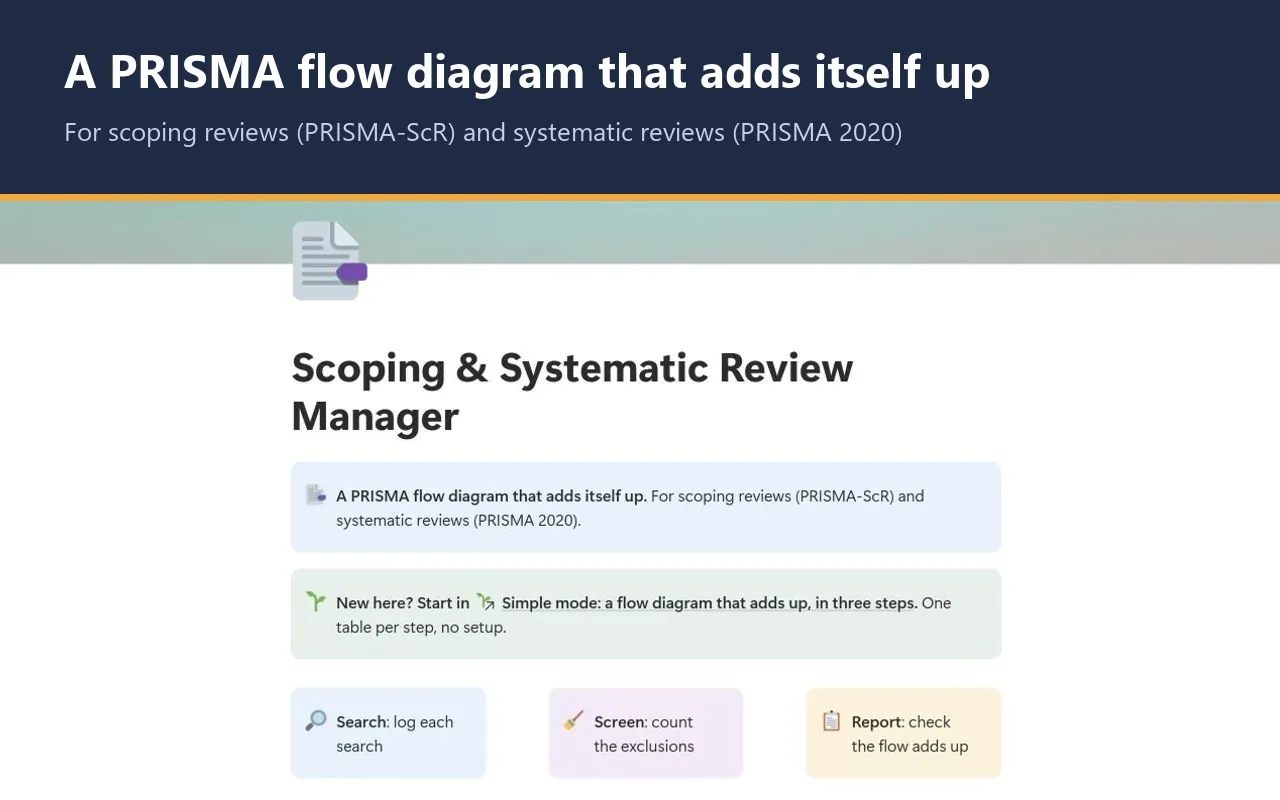
- Simple mode: three steps, one small table each, with a plain instruction above every table. You can start in Notion for the first time today.
- A self-reconciling flow with a copy-ready PRISMA count table, a search log, exclusion reasons, a screening sample and conflict log, charting of included sources and a decision log.
- Five export views that turn your search log, exclusion reasons, screening sample, decisions and flow counts into clean CSV tables for an appendix.
- A Start here page, a method guide with full references, and a worked fictional example you can clear in a few minutes.
- Works on Notion's Free plan. No charts, no paid features and no Notion AI needed.
Questions
Does it work for a systematic review, or only a scoping review?
Both. The flow follows PRISMA 2020 and PRISMA-ScR, so it records records, reports and studies the way either guideline asks, and trial registers count with the databases. The worked example and the method guide lead with a scoping review. Appraisal and meta-analysis are not covered; for appraisal, see the Critical Appraisal Studio.
Do I still need Rayyan or Covidence?
Yes, or a spreadsheet. Screening thousands of records belongs in a screening tool. You bring its totals here, keep a small sample of records as your audit trail, and let the studio check that the numbers reconcile.
Will I get updates?
The link in your PDF points to the published studio, so if it is updated you can duplicate the current version again. Your own copy never changes underneath you, which matters halfway through a review.
Does it work on Notion's Free plan?
Yes. The studio uses ordinary databases, relations, rollups and formulas. It needs no charts, no paid Notion features and no Notion AI, so the Free plan is enough.
How do I get the studio after I pay?
Checkout is on Gumroad. Straight after you pay $15, you get a one-page PDF with your private link. Open the link, click Duplicate, and the studio is copied into your own Notion workspace. It is yours to keep.
What if the link does not work or something is wrong?
Digital products cannot be returned once delivered, but if the link does not work or something is wrong with the studio, email rafiq@gradsummit.com and we will fix it or refund you.
Can my research group or class use it?
Each purchase is for one person. For a class or research group, email rafiq@gradsummit.com about a group licence.
Related guides and templates
Other research studios
Scoping & Systematic Review Manager
Search → Screen → Report, with a worked example and a method guide. $15, one-time.
Scoping & Systematic Review Manager by Rafiq Muhammad, MD, MIHMEP, PhD (GradSummit). The example study and all its data are fictional and created for teaching.
Notion is a trademark of Notion Labs, Inc. GradSummit is not affiliated with or endorsed by Notion.