A sample size justification template for Notion
Log where your effect size came from, get a first-pass sample size and a recruitment target that allows for dropout, confirm it in G*Power or R, and draft the paragraph that justifies it.
For master's and doctoral students and early-career clinician-researchers planning a trial, a group comparison or a correlational study, with a separate route for interview studies.
- Find → Calculate → Justify
- Simple mode
- Works on Notion's Free plan
- Worked example
Free
Free on Gumroad: enter your email and get a one-page PDF with your link to duplicate the studio. On the Notion Marketplace soon.
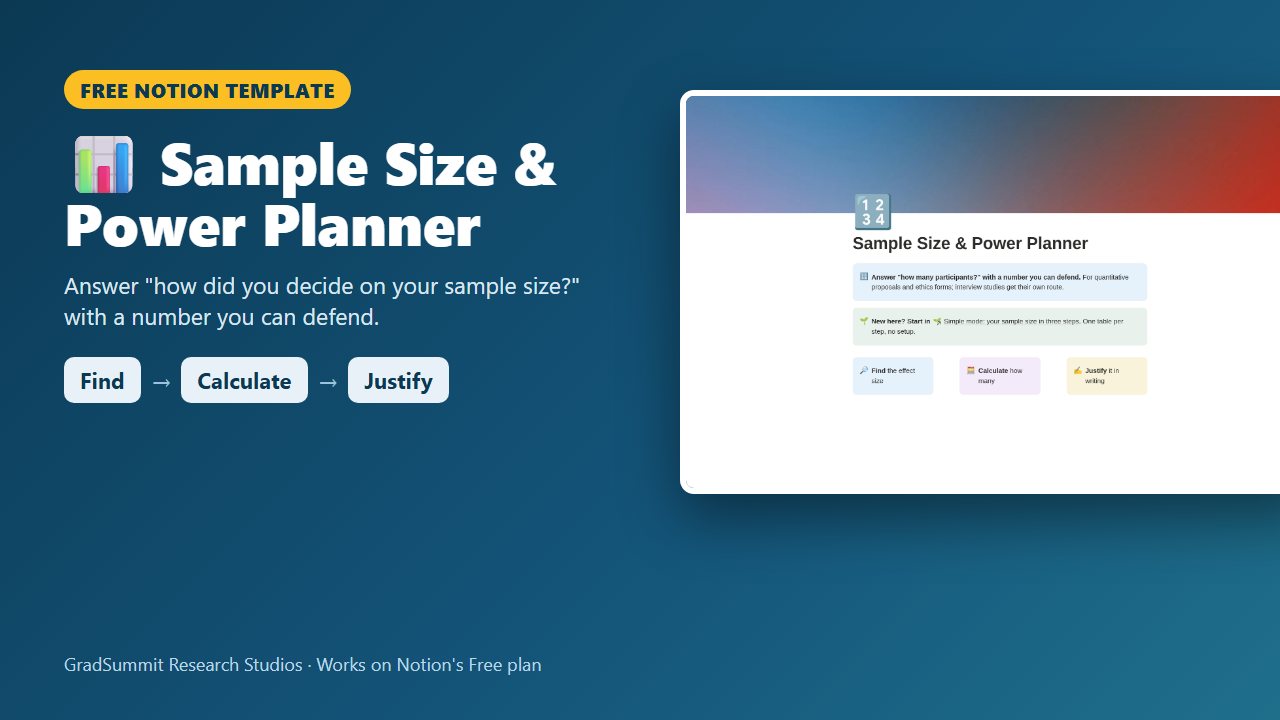
See inside the Sample Size & Power Planner
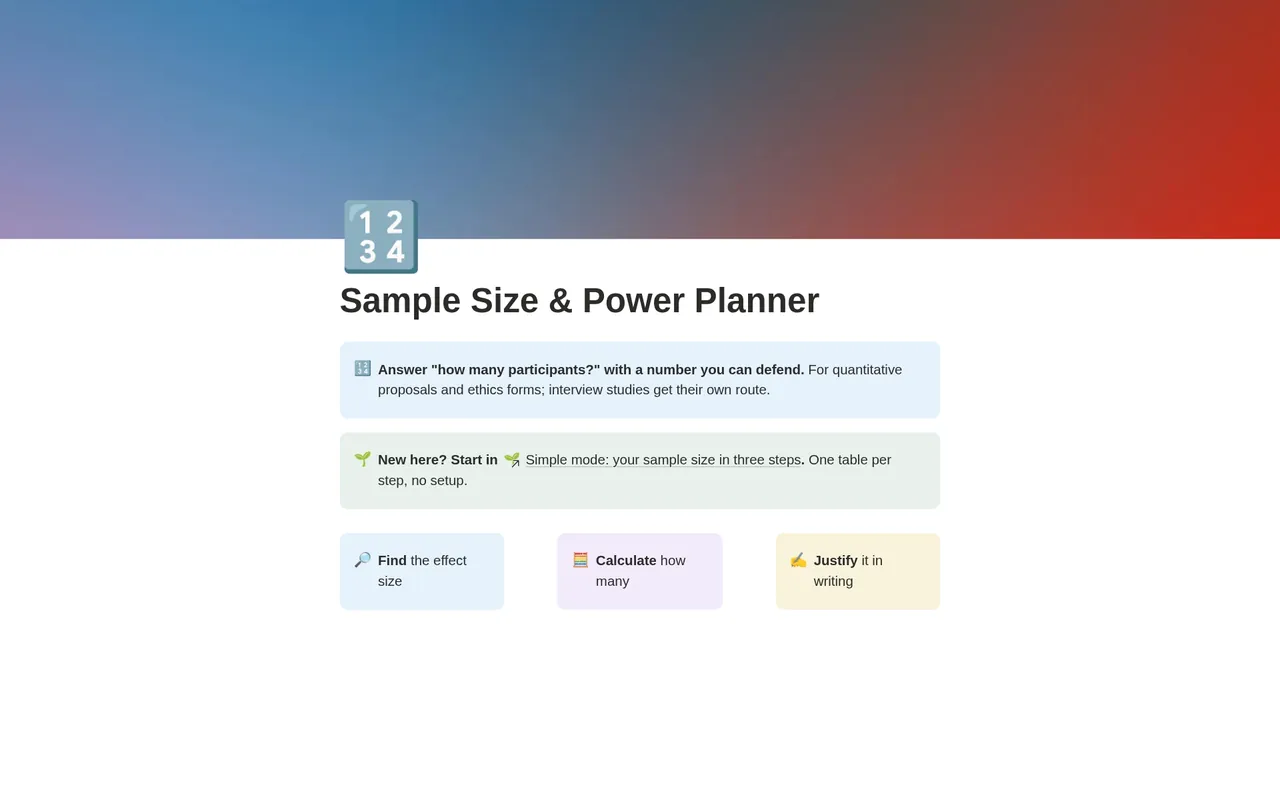
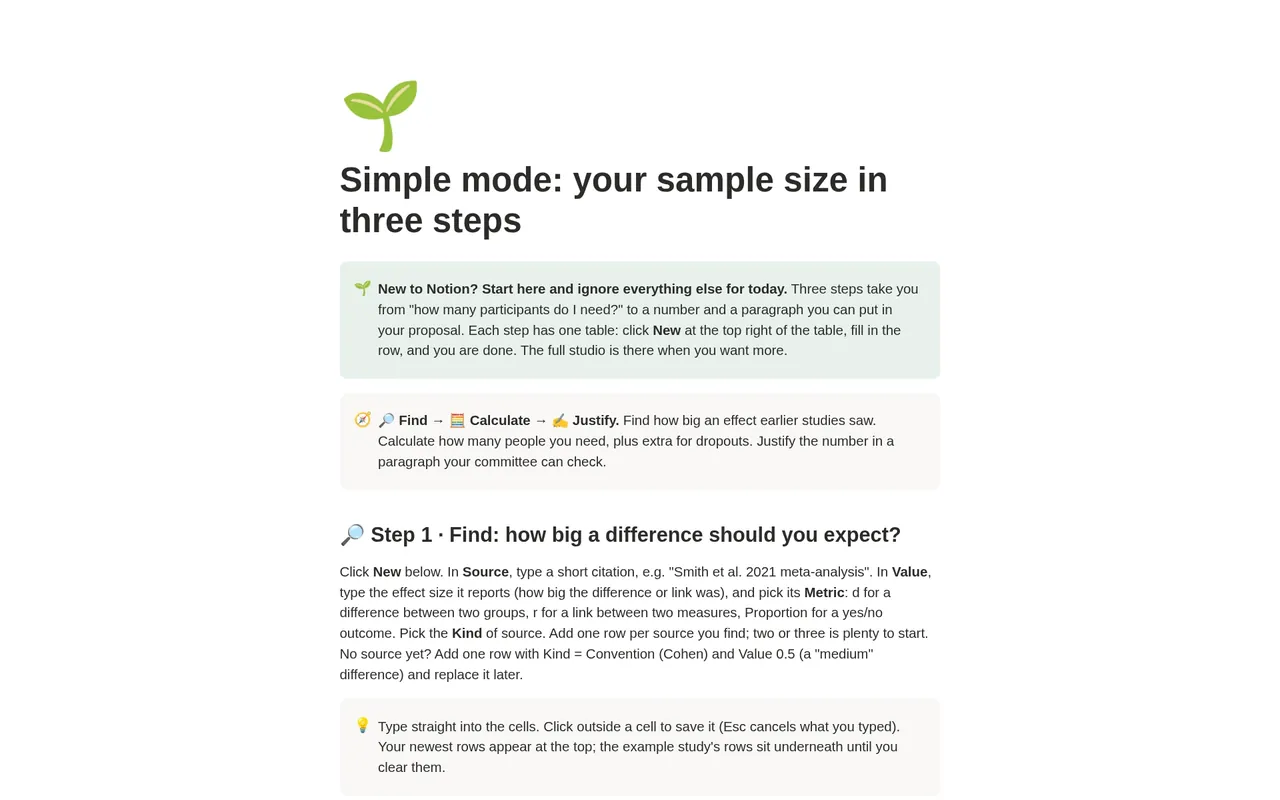
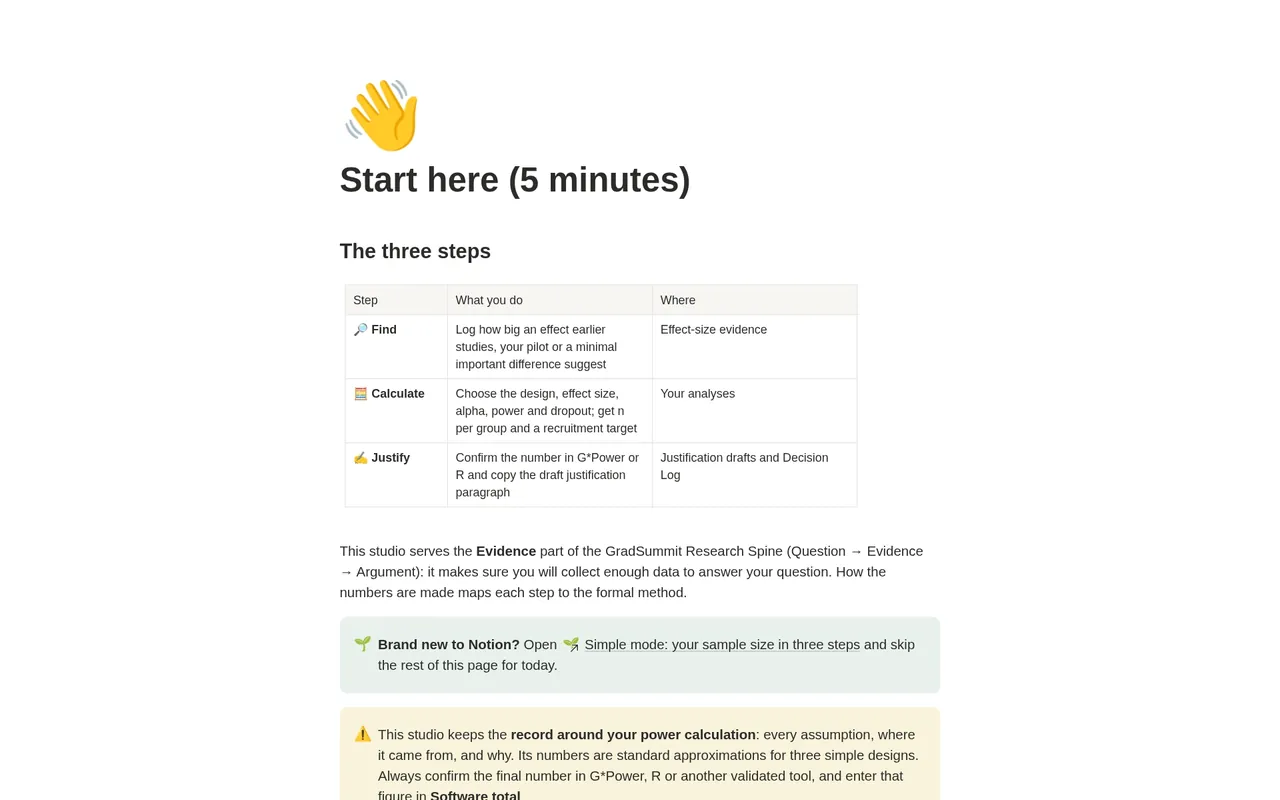
The problem it solves
"How did you decide on your sample size?" Every committee and ethics board asks it, and "I typed medium into G*Power" is not an answer that survives a viva. The examiner's next question is where the effect size came from, and a number with no story behind it is hard to defend.
Calculators give you a number; they do not keep the reasoning. Where did the effect size come from? What did you assume about dropout? Lakens (2022) argues that a sample size justification should report every such choice, not just the final n.
Dropout is a common slip. With 15% attrition, multiplying 128 by 1.15 gives 148, and too few people complete; dividing 128 by 0.85 gives 151. This planner keeps the record around your power calculation and gets that step right.
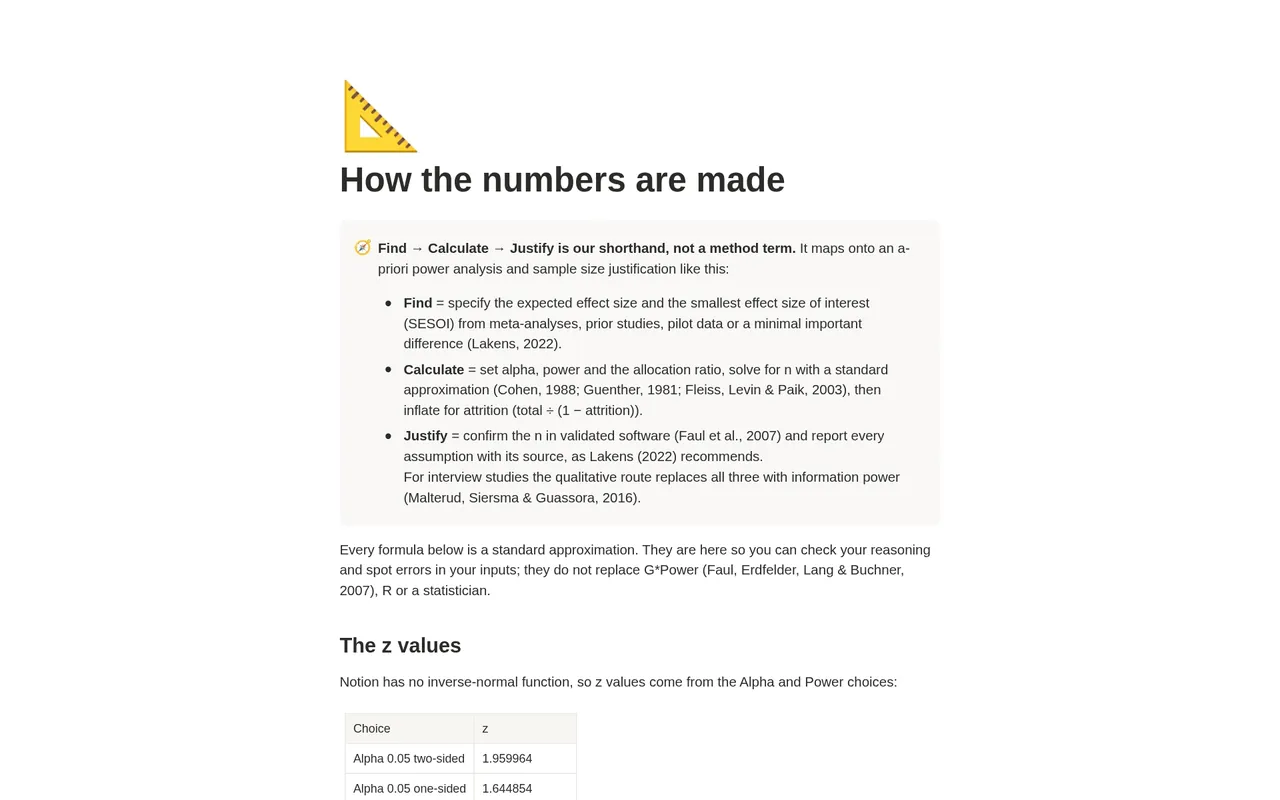
How it works: Find → Calculate → Justify
Find
Log each candidate effect size with its source: a meta-analysis, an earlier study, your pilot or a minimal important difference. The planner shows whether your chosen value sits inside or above what the sources show.
Calculate
Pick the design (two means, two proportions or a correlation), alpha and power, and get a first-pass n per group and a recruitment target that divides for dropout. Other designs go straight to software.
Justify
Run the same inputs in G*Power or R, enter the total and see whether they agree. Then copy a draft justification paragraph built from your own assumptions, and edit it.
What the studio checks for you
Each planned analysis carries plain-language checks, worked out by formulas from what you enter. A new blank row shows nothing until you add inputs. These are the main labels.
Input and software checks, per analysis
- ⚠️ Add alpha (e.g. 0.05 two-sided) / ⚠️ Add power (e.g. 0.80): the calculation needs both.
- ⚠️ Add an effect size (e.g. d = 0.5): a means or correlation design with no effect size.
- ⚠ Approximation only. Confirm in G*Power or R: no software total entered yet.
- ✓ Approximation within 2 of software: your G*Power or R total agrees with the first-pass number.
- Check: approximation differs from software by…: the two disagree, so look again at your inputs.
Evidence and outcome, per analysis
- Evidence range: for example "4 sources, 0.45 to 0.55. Chosen value sits inside the range", or a prompt when your value is above every source.
- Recruitment target: the total divided by one minus attrition, from the software total when you have one.
- Achieved: after recruitment, for example "Completed 132 of 151 (attrition 12.6%). ✓ At or above the powered n".
Information power, per interview study
- Consider: …: a prompt from Malterud et al.'s five dimensions on whether a smaller or larger sample is likely to be enough. It never outputs a number of participants.
"Inside the range" does not prove a value is realistic: published and pilot effects are often inflated, and powering for your smallest effect size of interest is the safer default (Lakens, 2022). The information-power cut-offs are GradSummit conventions.
The worked example
Fictional study
The worked example is fictional: the Glenwood Trial, a two-arm trial of a mindfulness app against a waitlist, with anxiety (GAD-7) at 8 weeks. It has 3 planned analyses, 6 effect-size sources and 3 decisions. The primary analysis assumes d = 0.50 from four sources between 0.45 and 0.55: 64 per group, 128 in total, confirmed by software, and a recruitment target of 151 after 15% dropout. At the smallest effect of interest, 0.35, it would need 130 per group. The secondary outcome needs 186 and is reported as not separately powered; the exploratory correlation needs 85. After recruitment, 132 of 151 completed. One interview study shows the qualitative route. Clearing the example takes about two minutes.
Method and sources
The first-pass numbers use standard approximations: the normal approximation with Guenther's (1981) correction for two means, the pooled-variance method without continuity correction for two proportions (Fleiss, Levin & Paik, 2003), and Fisher's z for a correlation, the approach behind Cohen's (1988) tables. A method page shows every formula, its known biases and a table of worked checks.
Confirmation is in validated software such as G*Power (Faul et al., 2007), and the justification follows Lakens (2022): report every assumption with its source, and use Cohen's benchmarks only as a last resort. The qualitative route uses information power (Malterud, Siersma & Guassora, 2016).
What the studio does not do
- Its numbers are approximations, not a replacement for G*Power, R or a statistician. Confirm every final number in validated software.
- It calculates only two means, two proportions and a correlation. ANCOVA, repeated measures, cluster and non-inferiority designs go to software.
- It does not choose your effect size. It records where your value came from and how it compares with the evidence.
- It never turns information power into a number of interviews.
What you get
- A one-page PDF with your link, sent by Gumroad when you click Get it free and enter your email. Click it, then Duplicate, and the studio is in your own Notion workspace, yours to keep.
- Simple mode: three steps, one small table each, with a plain instruction above every table. You can start in Notion for the first time today.
- An analyses table, an effect-size evidence table, justification drafts, a decision log, and a qualitative route for interview studies.
- Export views that turn your sample size plan, evidence and decisions into clean CSV tables for a thesis appendix.
- A Start here page, a method guide with full references, and a worked fictional example you can clear in a few minutes.
- Works on Notion's Free plan. No charts, no paid features and no Notion AI needed.
Questions
Is this a sample size calculator?
Partly, but that is not the point. It gives a first-pass number for three simple designs so you can check your reasoning. The final number comes from G*Power or R, and the planner keeps the record around it: the source of every assumption, the dropout step and the justification paragraph.
I am doing interviews. Do I need a sample size?
You need to justify it, but not with a power analysis. The qualitative route walks you through the five dimensions of information power (Malterud et al., 2016) and gives a prompt to argue from, never a number. Reassess it during data collection.
Will I get updates?
The link in your PDF points to the published studio, so if it is updated you can duplicate the current version again. Your own copy never changes underneath you, which matters halfway through a study plan.
Why divide for dropout instead of multiplying?
Because the dropout rate applies to the people you recruit, not the people you need. With 128 needed and 15% dropout, 128 × 1.15 = 148 leaves you short; 128 ÷ 0.85 = 151 leaves 128 who complete.
Does it work on Notion's Free plan?
Yes. The studio uses ordinary databases, relations, rollups and formulas. It needs no charts, no paid Notion features and no Notion AI, so the Free plan is enough.
Is it really free? How do I get it?
Yes. Click Get it free and Gumroad asks for your email address; the price is $0. You then get a one-page PDF with the link. Open the link, click Duplicate, and the studio is copied into your own Notion workspace. It is yours to keep. It is also with Notion for review and will appear on the Notion Marketplace soon.
What if the link does not work or something is wrong?
Email rafiq@gradsummit.com and we will fix it.
Related guides and templates
Other research studios
Sample Size & Power Planner
Find → Calculate → Justify, with a worked example and a method guide. Free.
Sample Size & Power Planner by Rafiq Muhammad, MD, MIHMEP, PhD (GradSummit). The example study and all its data are fictional and created for teaching.
Notion is a trademark of Notion Labs, Inc. GradSummit is not affiliated with or endorsed by Notion.