A journal submission tracker for Notion, from shortlist to resubmission
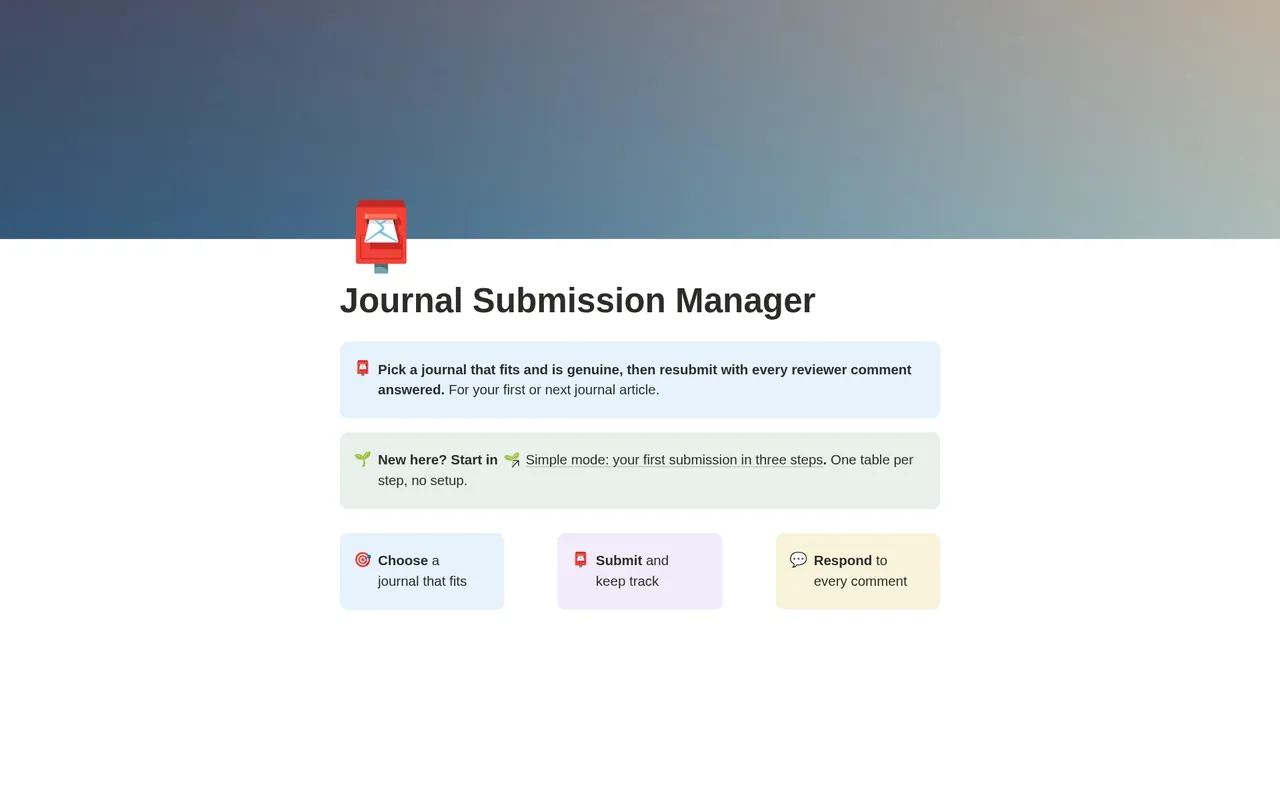
Score your shortlist on fit, screen every journal for legitimacy, track how long each submission has waited, and resubmit only when every reviewer comment has an answer.
For master's and doctoral students and early-career researchers preparing a first or second journal submission, often a thesis chapter turned into a paper.
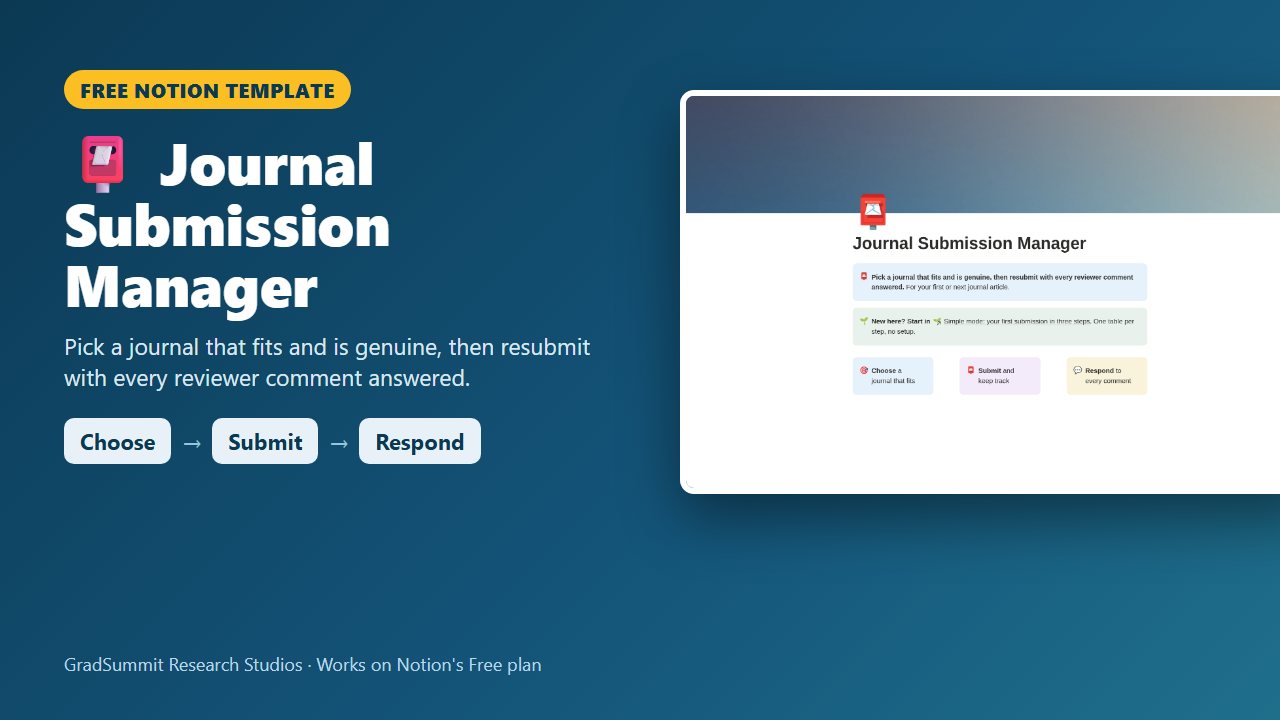
- Choose → Submit → Respond
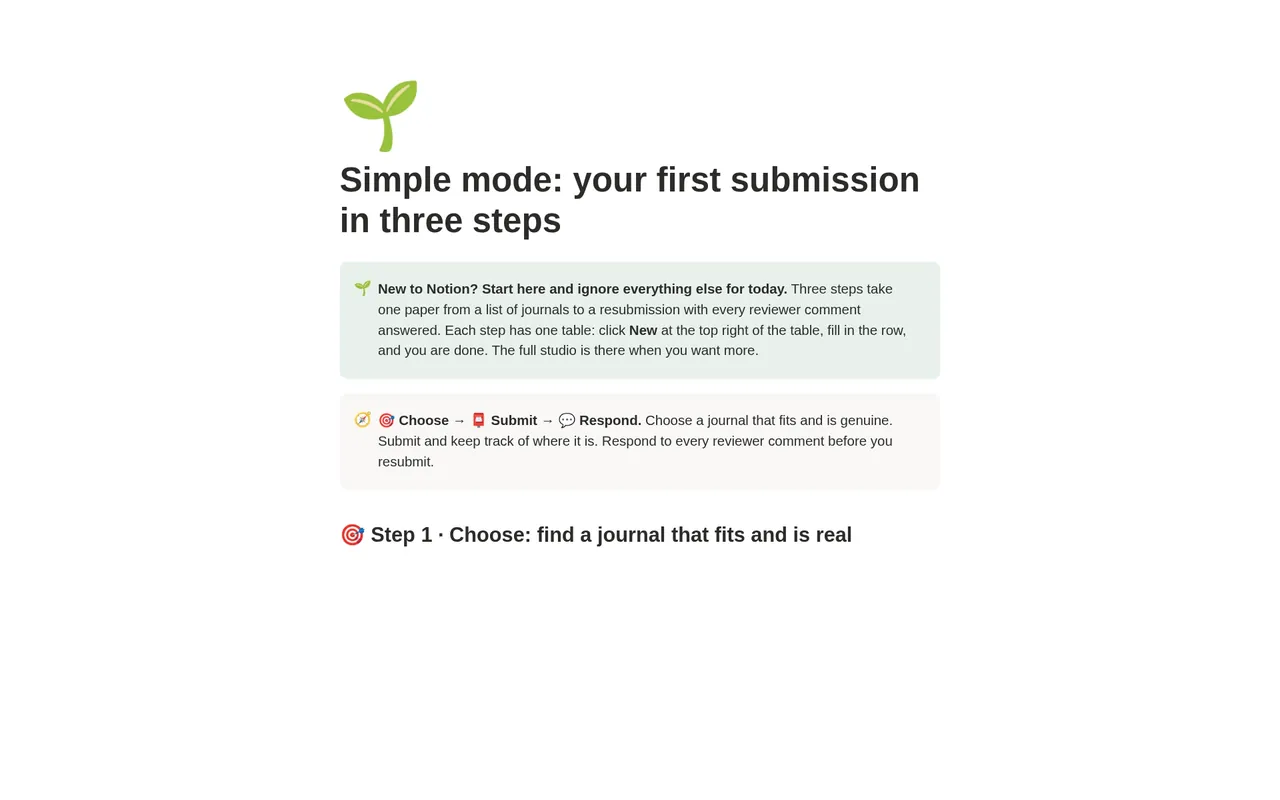
- Simple mode
- Works on Notion's Free plan
- Worked example
Free
Free on Gumroad: enter your email and get a one-page PDF with your link to duplicate the studio. On the Notion Marketplace soon.
See inside the Journal Submission Manager
The problem it solves
Your paper is drafted and your supervisor says "send it somewhere". Many students pick a journal because someone once published there, or because a flattering email invited them, and a paper outside a journal's aims and scope is often rejected by the editor without review.
Then the waiting starts. Is it time to chase the editor? And when major revisions come back, Reviewer 2 has fourteen comments, you resubmit, and the editor says you missed two.
This studio turns that moment into three steps. It ranks your shortlist on fit, screens every candidate before you trust it, keeps the clock on each submission, and holds the resubmission until every reviewer point has an answer.
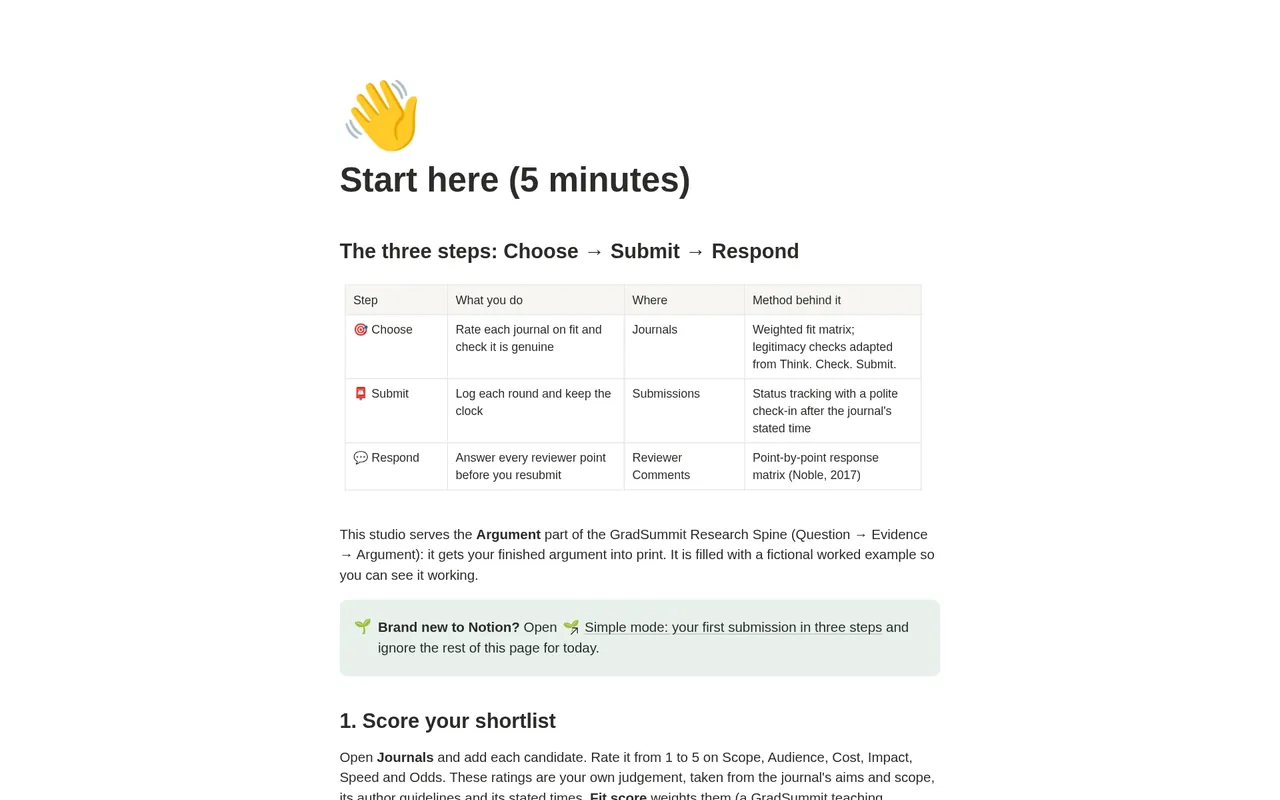
How it works: Choose → Submit → Respond
Choose
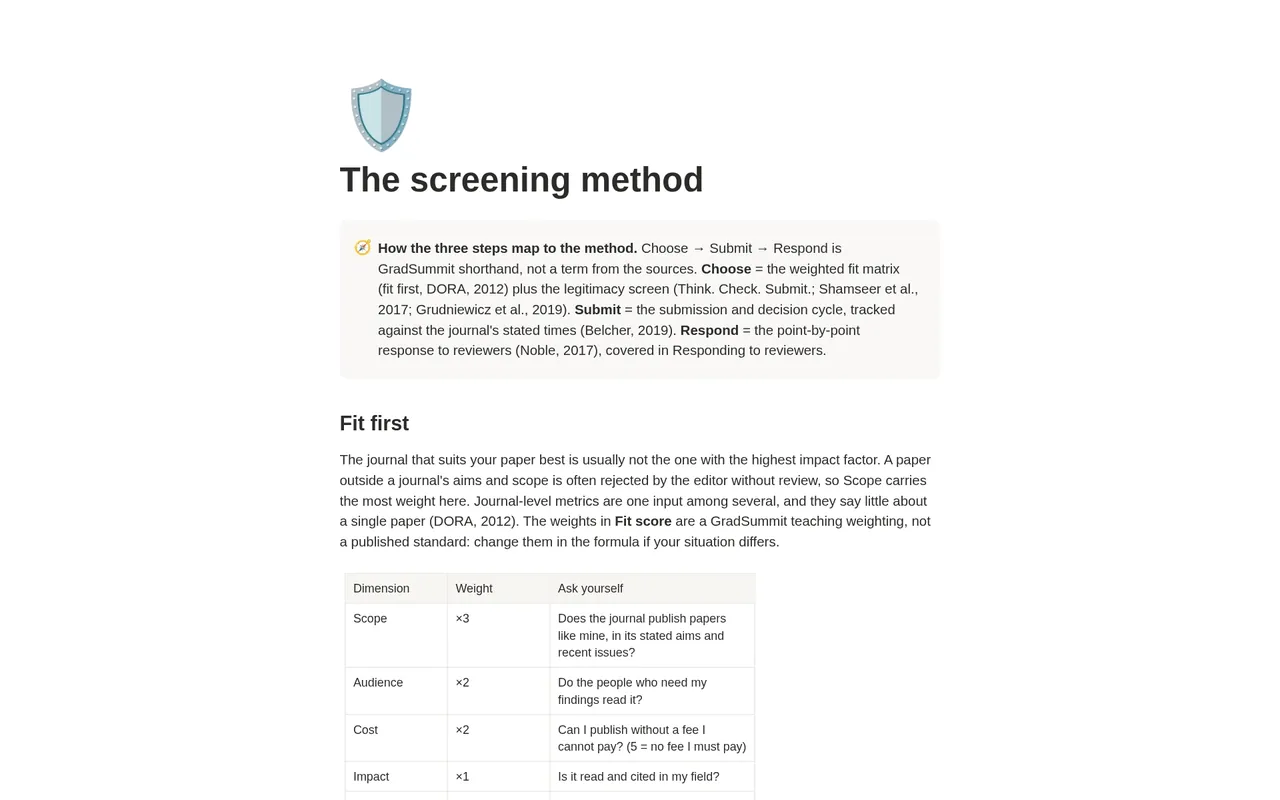
Rate each candidate journal from 1 to 5 on scope, audience, cost, impact, speed and your odds. A weighted fit score ranks the shortlist, with scope counting most. Then run seven legitimacy checks and three red flags.
Submit
Log each round at each journal with its status and the date it changed. The studio counts the days and tells you when a polite check-in is due, using the decision time the journal states.
Respond
Paste each reviewer point as a row. Write your response and the manuscript change with its location, or rebut it with evidence. The submission is ready only when every point is answered.
What the studio checks for you
Every journal, submission and reviewer comment carries a plain-language status, worked out by formulas from what you enter. These are the main labels.
Verdict, per journal
- ⚪ Rate the six fit scores (1-5): a new journal with no ratings yet.
- ⚪ Run the legitimacy checks next: rated, but not yet screened.
- 🟢 Strong fit / 🟡 Possible / 🔴 Weak fit: the weighted fit score, from strongest to weakest.
- ⛔ Do not submit: the journal failed the legitimacy screen. This overrides any fit score.
Legitimacy, per journal
- ⚪ Not screened yet: no checks ticked and no red flags.
- 🟠 3 of 7 checks pass · keep checking: fewer than five checks pass and there are no red flags; the count updates as you go.
- 🟡 Check further: at least five of the seven checks pass and there is no more than one red flag.
- ✅ Cleared: all seven checks pass and there are no red flags.
- ⛔ Fails screen: two or more red flags, or a red flag with fewer than five checks passing. With five or more checks passing, one flag alone means check further.
Submissions and reviewer comments
- ⏰ Polite check-in due / 🕒 Normal wait: while the journal holds your paper, measured against the time it states.
- ✏️ Your move: nothing to chase: you are revising or preparing, so the clock is on you.
- 🟡 Write your response / 🟡 Add the manuscript change (or choose Rebut with evidence): what a comment still needs.
- 🟡 4 comment(s) still need an answer → ✅ Ready to resubmit: the readiness count on the submission.
Every rating is your own judgement, taken from the journal's aims and scope, author guidelines and stated times. The fit weights are a GradSummit teaching weighting, not a published standard; you can change them in the formula.
The worked example
Fictional study
The worked example is fictional: the Brookfield paper on early instructor feedback and course completion among first-generation online students. It has 1 paper, 6 invented journals, 2 submissions and 10 reviewer comments. The shortlist runs from Kestrel Bay Journal of Online Teaching, fit 90 and 🟢 Strong fit, down to a predatory lookalike that scores 56 and reads ⛔ Do not submit. Quillon Open Education Letters reads 🟡 Check further: a new open-access journal is not predatory by default. Kestrel Bay's first round came back with major revisions; 6 comments are answered and 4 are open, so the submission reads 🟡 4 comment(s) still need an answer. Clearing the example takes about two minutes.
Method and sources
Fit comes first: journal-level metrics say little about a single paper (DORA, 2012), so Scope carries the most weight. The seven legitimacy checks are adapted from the Think. Check. Submit. checklist, and the red flags draw on Shamseer et al. (2017) and the consensus definition of predatory journals in Grudniewicz et al. (2019). One red flag means check further, not predatory.
Responding follows the point-by-point approach in Noble (2017): one row per reviewer point, a polite and specific response, the change quoted with its location, and rebuttals only with evidence. Submission timing follows Belcher (2019).
What the studio does not do
- It holds no data on real journals. It never shows impact factors, acceptance rates or fees; you look them up at the source and enter your own ratings.
- It does not decide whether a journal is predatory. It records your screening; check DOAJ, COPE and the publisher yourself.
- It does not guarantee acceptance, and it does not write your response letter for you.
- Journal policies and fees change. Always check them on the journal's own site before you submit.
What you get
- A one-page PDF with your link, sent by Gumroad when you click Get it free and enter your email. Click it, then Duplicate, and the studio is in your own Notion workspace, yours to keep.
- Simple mode: three steps, one small table each, with a plain instruction above every table. You can start in Notion for the first time today.
- A ranked shortlist, a legitimacy screen, a submission pipeline board, a reviewer-response matrix grouped by reviewer, and a papers table.
- Export views that turn your shortlist, submission log and response matrix into clean CSV tables.
- A Start here page, guides to screening journals and responding to reviewers with full references, and a worked fictional example you can clear in a few minutes.
- Works on Notion's Free plan. No charts, no paid features and no Notion AI needed.
Questions
Does it tell me whether a journal is predatory?
No tool can decide that for you. The studio gives you seven checks adapted from Think. Check. Submit. and three red flags, such as an unsolicited invitation or fees that are unclear. A failed screen reads ⛔ and overrides any fit score, so a flattering invitation never outranks a real journal.
Does it show impact factors or acceptance rates?
No. The studio holds no metrics for real journals, and every example journal is invented. You rate each journal yourself from 1 to 5, using what the journal publishes about its scope, fees and decision times, and the studio weights those ratings.
Will I get updates?
The link in your PDF points to the published studio, so if it is updated you can duplicate the current version again. Your own copy never changes underneath you, which matters halfway through a revision.
Can I track several papers or rounds?
Yes. Each paper has its own shortlist, and each round at each journal is its own submission row, so a rejection, a re-target and a resubmission all stay on the record. Submit to one journal at a time.
Does it work on Notion's Free plan?
Yes. The studio uses ordinary databases, relations, rollups and formulas. It needs no charts, no paid Notion features and no Notion AI, so the Free plan is enough.
Is it really free? How do I get it?
Yes. Click Get it free and Gumroad asks for your email address; the price is $0. You then get a one-page PDF with the link. Open the link, click Duplicate, and the studio is copied into your own Notion workspace. It is yours to keep. It is also with Notion for review and will appear on the Notion Marketplace soon.
What if the link does not work or something is wrong?
Email rafiq@gradsummit.com and we will fix it.
Related guides and templates
Other research studios
Journal Submission Manager
Choose → Submit → Respond, with a worked example and a method guide. Free.
Journal Submission Manager by Rafiq Muhammad, MD, MIHMEP, PhD (GradSummit). The example study and all its data are fictional and created for teaching.
Notion is a trademark of Notion Labs, Inc. GradSummit is not affiliated with or endorsed by Notion.